Thought Flow

Technology and other things

Author: David

  • Simple website visitor stats and location with GoAccess

    I do not use cookies or browser trackers (like Google Analytics) on any of my personal websites to track visitor information.

    From time to time however, it is nice to get an idea of the amount traffic to my sites, including what pages get viewed the most.

    I use the following one-liner for this:

    sudo zcat -f /var/log/nginx/access.log* | goaccess --log-format=VCOMBINED --geoip-database dbip-city-lite-2022-09.mmdb

    Read on below to see how I made this work.

    Introduction

    I host my websites on a small Hetzner VM and use nginx as web server and/or reverse proxy for PHP (for WordPress sites)

    The default server logs for nginx are enough to count basic server visits, and for this purpose, I use GoAccess.

    GoAccess usually works out of the box like this:

    goaccess /var/log/nginx/access.log

    For me, this command is a bit limited though, specifically:

    1. It only includes the latest access log. Nginx rotates the logs and the older ones get stored in gzip’ed files. Ideally, these should be included.
    2. The default log format in Nginx seems to not include the domain (e.g. “davidlebech.com”) so if there are multiple sites on the same server, their views will be mixed.
    3. It is not possible to see where people are from in the world.

    I solved all three earlier this year by making some simple changes to the nginx config and the command itself.

    Use combined log format

    First, change the nginx configuration in /etc/nginx/nginx.conf with the following lines:

    log_format vcombined '$host:$server_port '
            '$remote_addr - $remote_user [$time_local] '
            '"$request" $status $body_bytes_sent '
            '"$http_referer" "$http_user_agent" "$gzip_ratio"';
    access_log /var/log/nginx/access.log vcombined;

    This tells nginx to use the “combined log format with virtual host” for the access log files. The logs now include the domain, thereby solving issue 2 from above.

    Ensure IP addresses are correct from Cloudflare

    In order to get location, we can use the logged IP address of people to look up in a local database. To enable this, there is an important extra step to take when using Cloudflare as a proxy. By default, the logged IP are the Cloudflare server’s IPs. The server needs to know where to get the real IP address of the visitor from.

    Here’s the official guide from Cloudflare. Here’s my short version:

    1. Copy the list of IP addresses from Cloudflare. Both the IPV4 and IPV6 addresses.
    2. Create a new file under /etc/nginx/cloudflare.conf and paste all the addresses, one per line.
    3. Prepend each IP address line with set_real_ip_from
    4. Add to the end of the file:
      real_ip_header CF-Connecting-IP;
    5. In /etc/nginx/nginx.conf, add:
      include /etc/nginx/cloudflare.conf;

    This is the entire content of my current /etc/nginx/cloudflare.conf file which works as of September 2022:

    set_real_ip_from 103.21.244.0/22;
    set_real_ip_from 103.22.200.0/22;
    set_real_ip_from 103.31.4.0/22;
    set_real_ip_from 104.16.0.0/13;
    set_real_ip_from 104.24.0.0/14;
    set_real_ip_from 108.162.192.0/18;
    set_real_ip_from 131.0.72.0/22;
    set_real_ip_from 141.101.64.0/18;
    set_real_ip_from 162.158.0.0/15;
    set_real_ip_from 172.64.0.0/13;
    set_real_ip_from 173.245.48.0/20;
    set_real_ip_from 188.114.96.0/20;
    set_real_ip_from 190.93.240.0/20;
    set_real_ip_from 197.234.240.0/22;
    set_real_ip_from 198.41.128.0/17;
    set_real_ip_from 2400:cb00::/32;
    set_real_ip_from 2606:4700::/32;
    set_real_ip_from 2803:f800::/32;
    set_real_ip_from 2405:b500::/32;
    set_real_ip_from 2405:8100::/32;
    set_real_ip_from 2c0f:f248::/32;
    set_real_ip_from 2a06:98c0::/29;
    
    # use any of the following two
    real_ip_header CF-Connecting-IP;
    # real_ip_header X-Forwarded-For;

    Use geolocation for IP

    In order to translate an IP address to a rough location, I am currently using db-ip.com’s free geolocation database. It updates monthly, and e.g. the September 2022 version can be fetched like this:

    wget https://download.db-ip.com/free/dbip-city-lite-2022-09.mmdb.gz
    gunzip dbip-city-lite-2022-09.mmdb.gz

    With all these pieces together (detecting real IPs, using full log format and with a local geo location database), analyzing the last 14 days of visitor information can be done with the one-liner from the beginning of the post:

    sudo zcat -f /var/log/nginx/access.log* | goaccess --log-format=VCOMBINED --geoip-database dbip-city-lite-2022-09.mmdb

    Conclusion

    In the last 14 days, I had 98 thousand request to my server, and 57% of this was from crawlers — so my site is not popular :-)

    As a final note: I don’t aggregate the above information, and the data is deleted automatically after 14 days.
  • AI Tales

    I recently launched a new website called AI Tales, where I share small snippets of text, generated by AI, edited by me.

    AI Tales is going to be my playground for sharing pieces of text that I find “interesting” in one way or another. I will try to update it regularly with new content.

    We will probably not see whole novels written by AI anytime soon, but I have a theory that it is possible to co-write a novel together with an AI. A human-in-the-loop approach to writing.

    With AI Tales, I hope to explore the various boundaries of what’s possible with the current state of the art in text generation, and perhaps even combine it with other AI generated content like images.

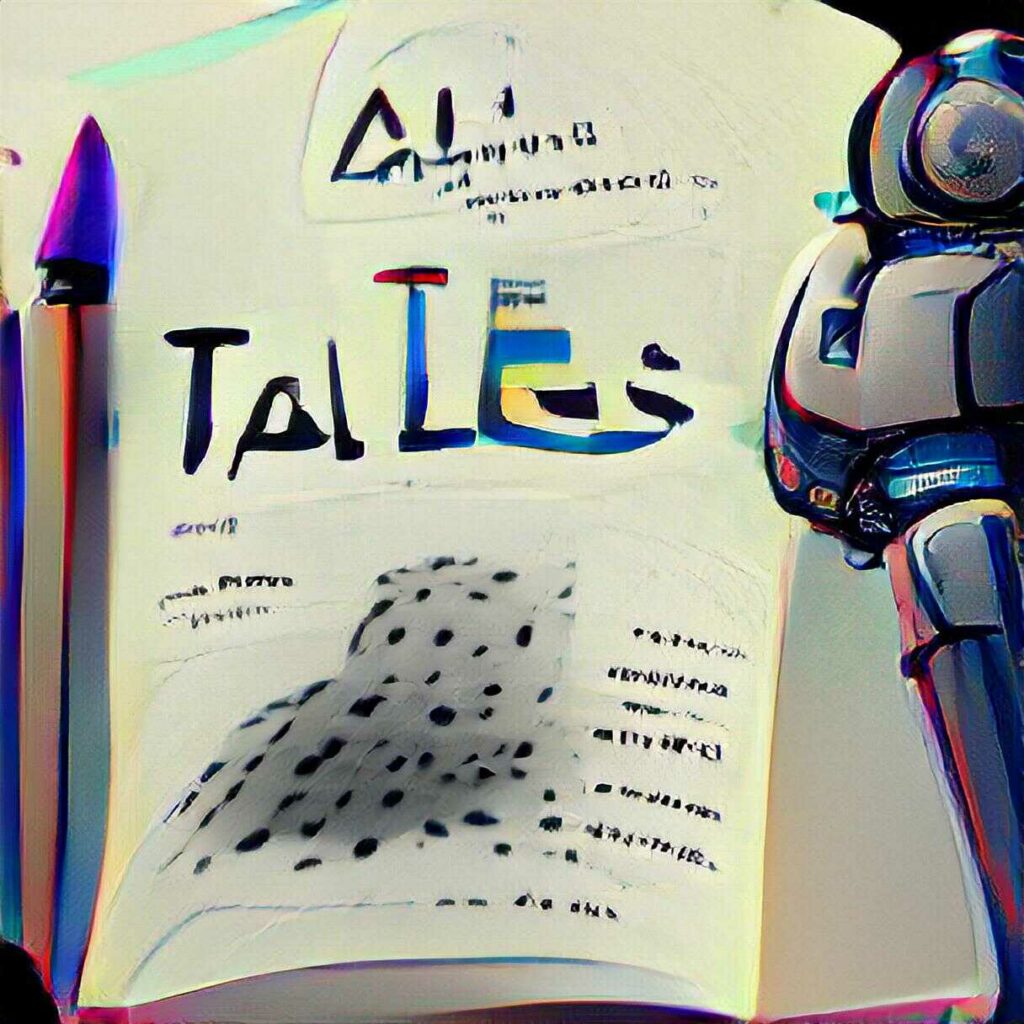
    In fact, why not end the post with the result of asking VQGAN+CLIP to generate an image from the description of AI Tales:

    VQGAN+CLIP tries to draw an image from the text “AI Tales, a collection of short stories and other text, written by AI, edited by a human|sketch”

    It’s not too far-fetched to dream of a work where both text, illustrations and maybe even accompanying soundtrack is created (or co-created) by AI.

  • Oregon 💚

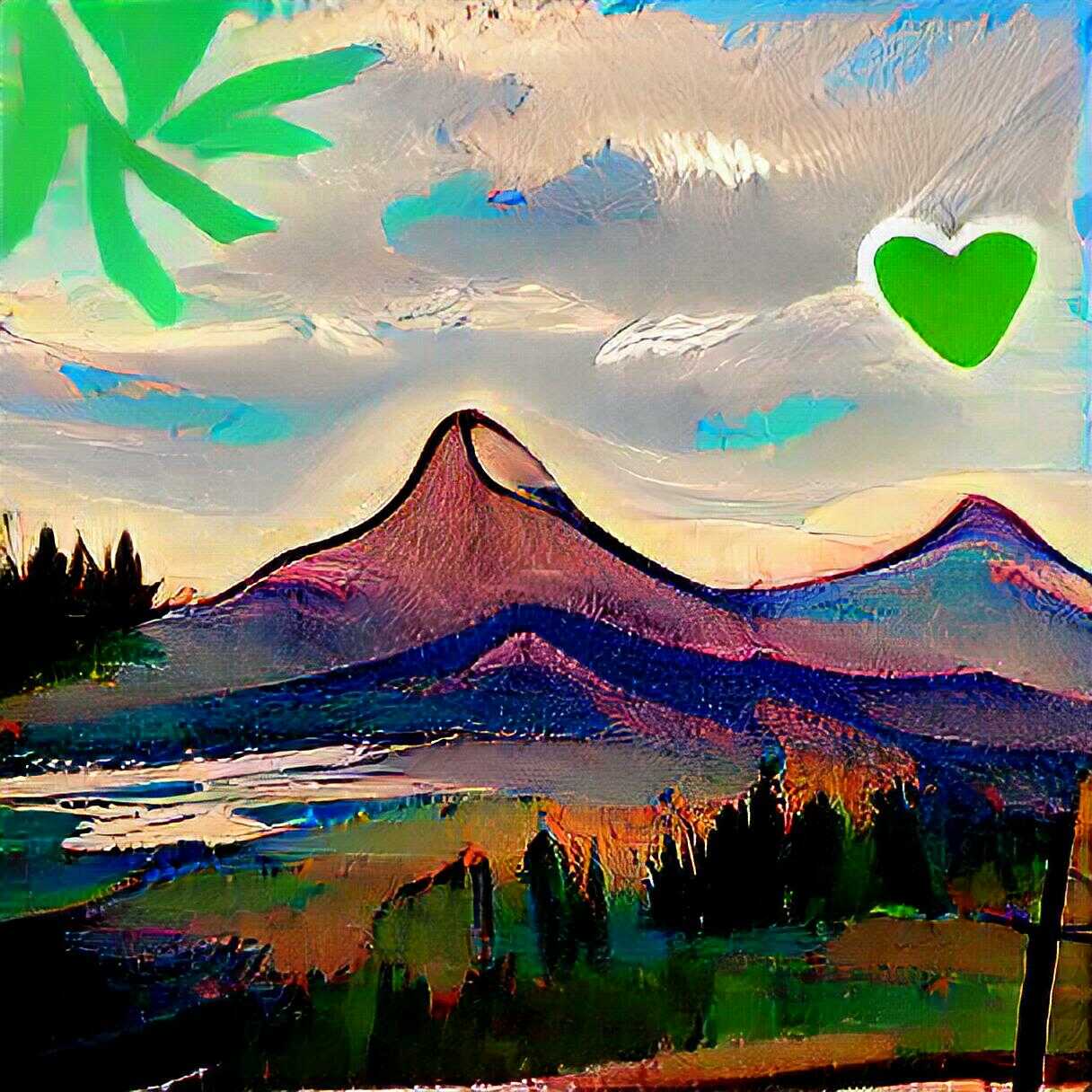
    Landscape with mountain and green heart in the sky
    AI-generated VQGAN+CLIP image from text “Oregon 💚|painting”

  • Clean up harddrive space on Ubuntu Server with journalctl

    After running for a while, an Ubuntu server tend to get bloated with… stuff. One particularly weird one is the disk usage of a bunch of /var/log/journal/* entries that hog a lot of space.

    In my case, 2GB. This is significant on a machine with just 20GB of space. You can see their disk usage with:

    journalctl --disk-usage

    I honestly don’t know what the journals are for, but anyway, there is a quick solution to clean it up in an easy way:

    journalctl --vacuum-size=100M

    This command will “vacuum” the journal logs and free up space. More info in this Stack Exchange answer.

  • Image generation with VQGAN + CLIP

    Image generation with VQGAN + CLIP

    I am blown away by VQGAN+CLIP, a pair of neural network architectures that can be used to generate images from text. When I wrote my previous post on “A game of AI telephone“, it was not clear to me yet how exciting this technology actually is. Or rather, I had not used the right text prompts yet.

    To generate an image, the input text can be written in a way that both changes the content and the style of the generated image. The neural networks don’t always produce photo-realistic and coherent output, so if we only describe content, and not style, the results often look distorted or end up in uncanny valley, especially when depicting people or animals.

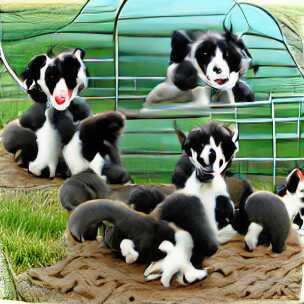
    For example, these images of “border collie puppies” are not very nice:

    However, playing around with the words in the text input can yield very different results. “Finding the right text” even seems to have led to a new term called “prompt engineering”. Although it is the neural networks doing all the hard work of generating images, combining the right words to produce interesting outcomes is almost an art in itself.

    The Twitter account Rivers Have Wings1 has many amazing examples.

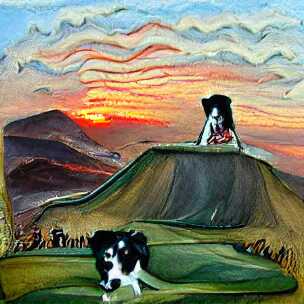
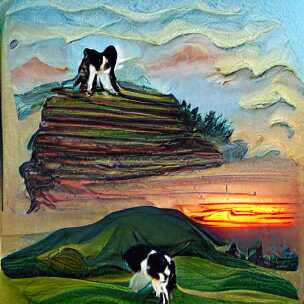
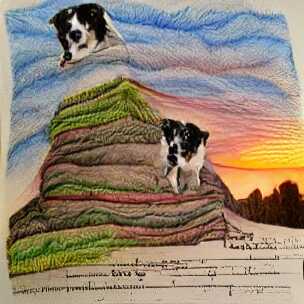
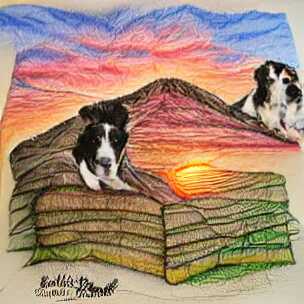
    Modifying the above “border collie puppies” example to include a setting (hill) and style (painting) already produces more interesting outputs on the first try:

    The keyword “painting” is part of the reason that the images look like actual paint strokes. The border collie dog is still not looking very good, but because the final image is a bit more abstract, it does not matter so much.

    Changing “painting” to “pencil drawing” gives slightly different results. Notice that the texture is less paint-brush and more pencil-like (if you squint a little), and we also get what appears to some sort of text (no idea why):

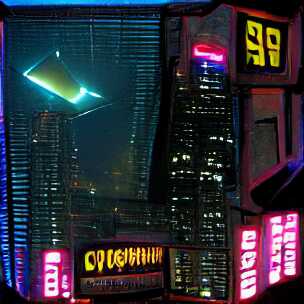
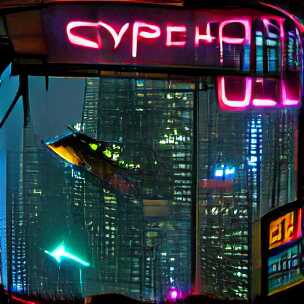
    This way of changing the prompt slightly is quite fun (and time consuming), and people have come up with all sorts of tricks. I am, for example, quite fascinated by the “cyberpunk” aesthetic which I first saw from Rivers Have Wings as well, although that example is using a different generator than VQGAN.

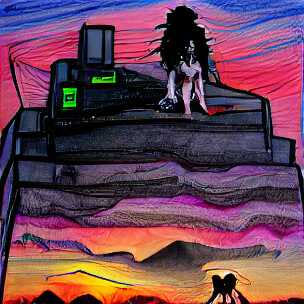
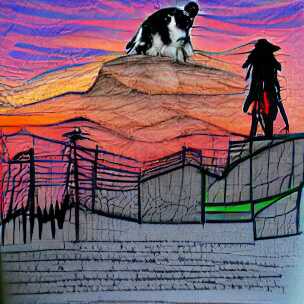
    Cyberpunk does not seem to work very well for the existing border collie prompt though, at least not without further tweaking:

    It works better for cities:

    You can probably see where this is going: Down a rabbit-hole of experimentation.

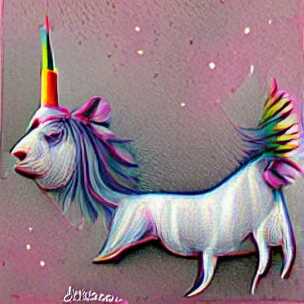
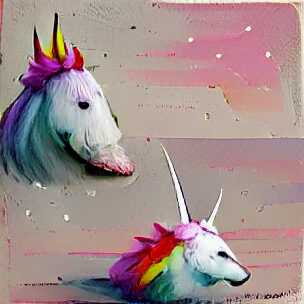
    At this point, it is worth backtracking a bit and mention that there are still simple input prompts (without a specified style) that produce fun outputs. Here are two examples of “a unicorn”:

    But to me, the most fun comes from using slightly longer texts to see what comes out of it.

    One idea I am playing around with is to take text from other sources and see what the networks come up with. For example, how about the legendary, somewhat-improvised, “tears in the rain” monologue from Rutger Hauer in Blade Runner. To jolt your memory:

    I’ve seen things you people wouldn’t believe. Attack ships on fire off the shoulder of Orion. I watched C-beams glitter in the dark near the Tannhäuser Gate. All those moments will be lost in time, like tears in rain. Time to die.

    Roy Batty / Rutger Hauer – Blade Runner

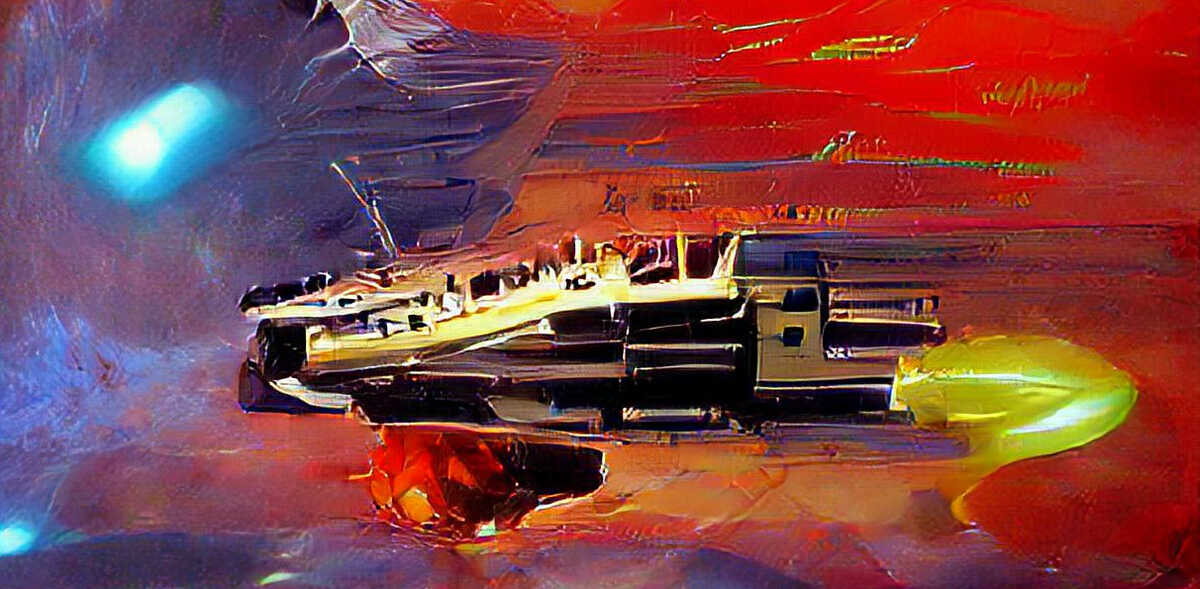
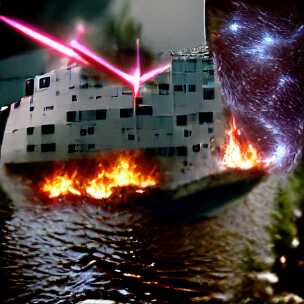
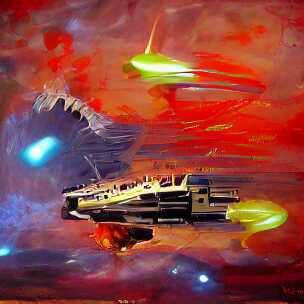
    If there was ever a quote that deserved to be illustrated, it is this one. Let us try it, but only include the middle part, i.e. “Attack ships on fire off the shoulder of Orion. I watched C-beams glitter in the dark near the Tannhäuser Gate”:

    Image generate from the tears in the rain monologue from Blade Runner

    Ok, well, that’s not really coherent is it? It looks like a collage of a battle ship, laser beam, fire, water and starry sky just mixed randomly together. A bit disappointing, but as I mentioned above, the style is often quite important.

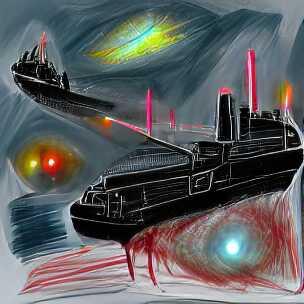
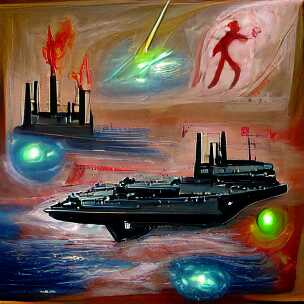
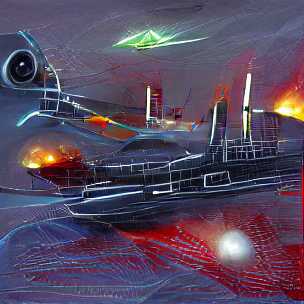
    And looks what happens when we simply add “science fiction painting” to the prompt:

    Wow, that is quite different. Personally, I find this very satisfying to look at. I would probably even hang one of these on my wall!

    As a side-note, I often find the outputs of the early iterations quite interesting to look at as well. The above images are from the 500th iteration of the generation, but already after 50 iterations, they both have a certain artistic quality to them, especially the second one which I like better than the final output (look at those colors!):

    Roy Batty was an AI right? What if we take a modern-day “AI” and produce some text, then use this as a prompt to our image generator.

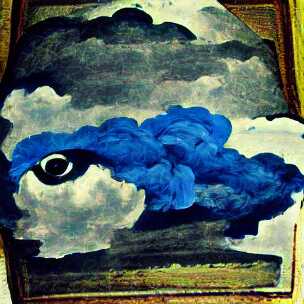
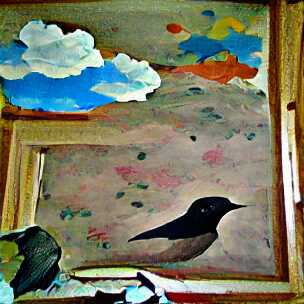
    Using the gpt-neo-1.3B text generator with the text seed “The sky”, here are two example outputs:

    The sky was like a black cloud, and a man was standing there, his eyes blue and staring.

    gpt-neo-1.3B with seed text “The sky”

    The sky was clear. A blackbird had come, had flown into the room and was now looking up at the ground.

    gpt-neo-1.3B with seed text “The sky”

    In both cases, I added “painting” as style since that seem to work quite well in general.

    Ok, so it chose to ignore the “man was standing there” part but at least it generated an eye surrounded by blue. And it depicted a black cloud and clear sky in both cases, as well as the outline of a blackbird.

    All I did here was come up with “The sky” and through a series of steps, the neural networks did the rest. This idea of almost 100% AI generation of related text and images is quite fascinating to play around with.

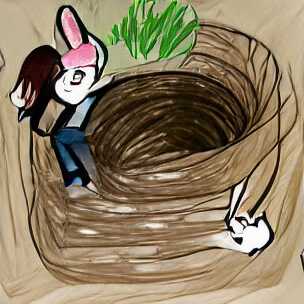
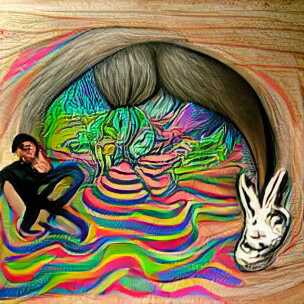
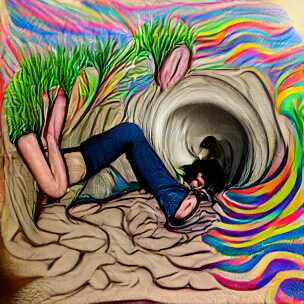
    On that note, I will end the post here and continue down the rabbit-hole for a bit longer. Here are two renditions of “a drawing of me going down a rabbit-hole” and two where I added “psychedelic surrealism” to the prompt, because why not.

    Goodbye.

    (All the images in this post are generated using default settings from this generator script. They are not hand-curated, i.e. they represent more-or-less the first output for each of the prompts. With a bit of curation, and experimentation, your results will be much better, as demonstrated by other authors.)