Thought Flow

Tag: gan

  • Image generation with VQGAN + CLIP

    Image generation with VQGAN + CLIP

    I am blown away by VQGAN+CLIP, a pair of neural network architectures that can be used to generate images from text. When I wrote my previous post on “A game of AI telephone“, it was not clear to me yet how exciting this technology actually is. Or rather, I had not used the right text prompts yet.

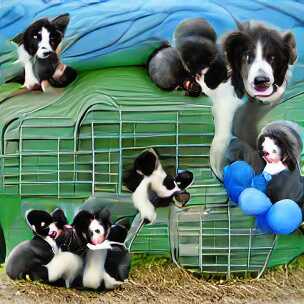
    To generate an image, the input text can be written in a way that both changes the content and the style of the generated image. The neural networks don’t always produce photo-realistic and coherent output, so if we only describe content, and not style, the results often look distorted or end up in uncanny valley, especially when depicting people or animals.

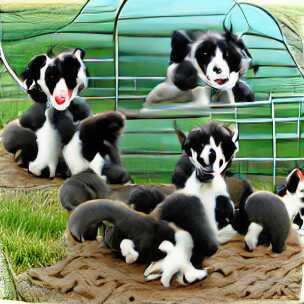
    For example, these images of “border collie puppies” are not very nice:
    However, playing around with the words in the text input can yield very different results. “Finding the right text” even seems to have led to a new term called “prompt engineering”. Although it is the neural networks doing all the hard work of generating images, combining the right words to produce interesting outcomes is almost an art in itself.

    The Twitter account Rivers Have Wings1 has many amazing examples.

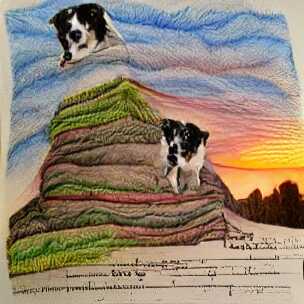
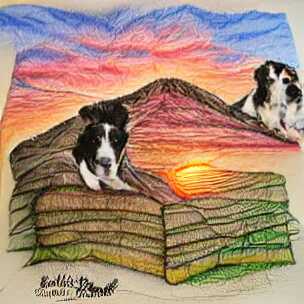
    Modifying the above “border collie puppies” example to include a setting (hill) and style (painting) already produces more interesting outputs on the first try:
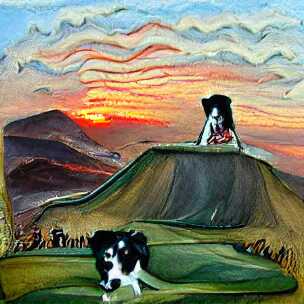
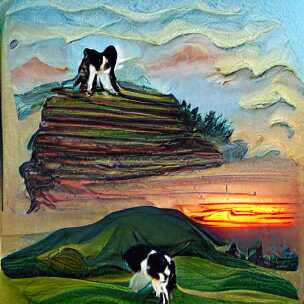
    The keyword “painting” is part of the reason that the images look like actual paint strokes. The border collie dog is still not looking very good, but because the final image is a bit more abstract, it does not matter so much.

    Changing “painting” to “pencil drawing” gives slightly different results. Notice that the texture is less paint-brush and more pencil-like (if you squint a little), and we also get what appears to some sort of text (no idea why):
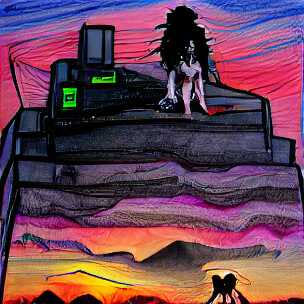
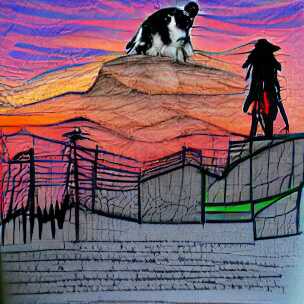
    This way of changing the prompt slightly is quite fun (and time consuming), and people have come up with all sorts of tricks. I am, for example, quite fascinated by the “cyberpunk” aesthetic which I first saw from Rivers Have Wings as well, although that example is using a different generator than VQGAN.

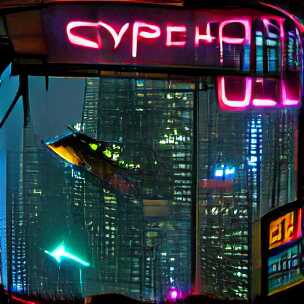
    Cyberpunk does not seem to work very well for the existing border collie prompt though, at least not without further tweaking:
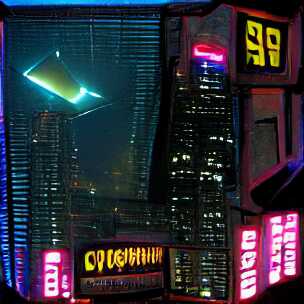
    It works better for cities:
    You can probably see where this is going: Down a rabbit-hole of experimentation.

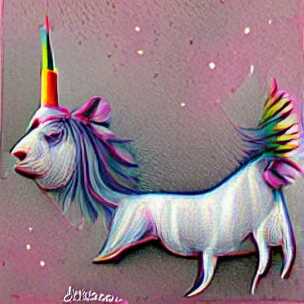
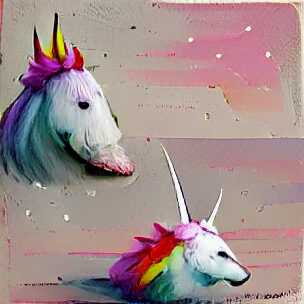
    At this point, it is worth backtracking a bit and mention that there are still simple input prompts (without a specified style) that produce fun outputs. Here are two examples of “a unicorn”:
    But to me, the most fun comes from using slightly longer texts to see what comes out of it.

    One idea I am playing around with is to take text from other sources and see what the networks come up with. For example, how about the legendary, somewhat-improvised, “tears in the rain” monologue from Rutger Hauer in Blade Runner. To jolt your memory:

    I’ve seen things you people wouldn’t believe. Attack ships on fire off the shoulder of Orion. I watched C-beams glitter in the dark near the Tannhรคuser Gate. All those moments will be lost in time, like tears in rain. Time to die.

    Roy Batty / Rutger Hauer – Blade Runner

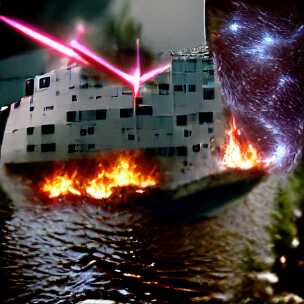
    If there was ever a quote that deserved to be illustrated, it is this one. Let us try it, but only include the middle part, i.e. “Attack ships on fire off the shoulder of Orion. I watched C-beams glitter in the dark near the Tannhรคuser Gate”:

    Image generate from the tears in the rain monologue from Blade Runner

    Ok, well, that’s not really coherent is it? It looks like a collage of a battle ship, laser beam, fire, water and starry sky just mixed randomly together. A bit disappointing, but as I mentioned above, the style is often quite important.

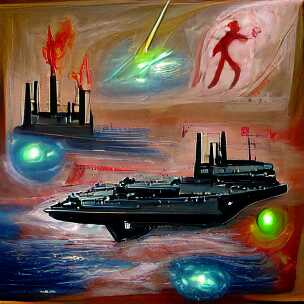
    And looks what happens when we simply add “science fiction painting” to the prompt:
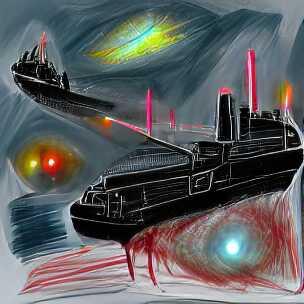
    Wow, that is quite different. Personally, I find this very satisfying to look at. I would probably even hang one of these on my wall!

    As a side-note, I often find the outputs of the early iterations quite interesting to look at as well. The above images are from the 500th iteration of the generation, but already after 50 iterations, they both have a certain artistic quality to them, especially the second one which I like better than the final output (look at those colors!):
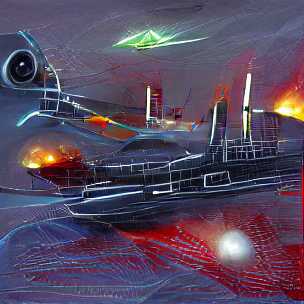
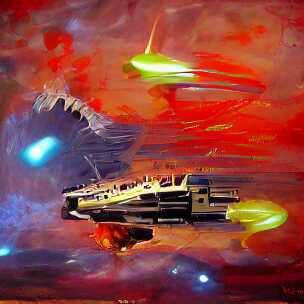
    Roy Batty was an AI right? What if we take a modern-day “AI” and produce some text, then use this as a prompt to our image generator.

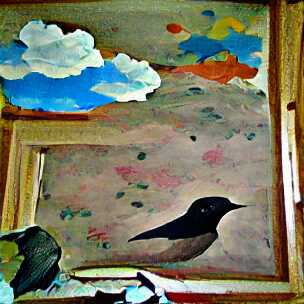
    Using the gpt-neo-1.3B text generator with the text seed “The sky”, here are two example outputs:

    The sky was like a black cloud, and a man was standing there, his eyes blue and staring.

    gpt-neo-1.3B with seed text “The sky”

    The sky was clear. A blackbird had come, had flown into the room and was now looking up at the ground.

    gpt-neo-1.3B with seed text “The sky”

    In both cases, I added “painting” as style since that seem to work quite well in general.
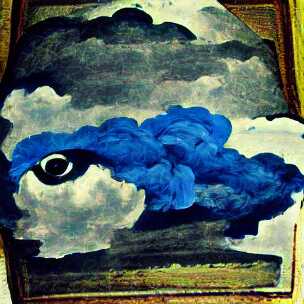
    Ok, so it chose to ignore the “man was standing there” part but at least it generated an eye surrounded by blue. And it depicted a black cloud and clear sky in both cases, as well as the outline of a blackbird.

    All I did here was come up with “The sky” and through a series of steps, the neural networks did the rest. This idea of almost 100% AI generation of related text and images is quite fascinating to play around with.

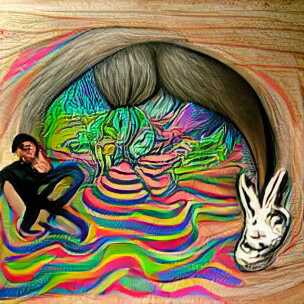
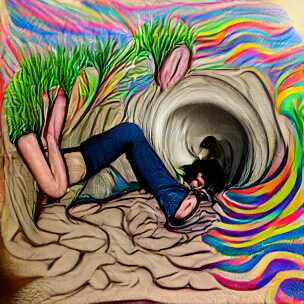
    On that note, I will end the post here and continue down the rabbit-hole for a bit longer. Here are two renditions of “a drawing of me going down a rabbit-hole” and two where I added “psychedelic surrealism” to the prompt, because why not.
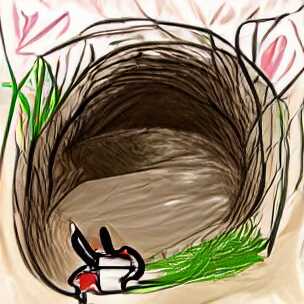
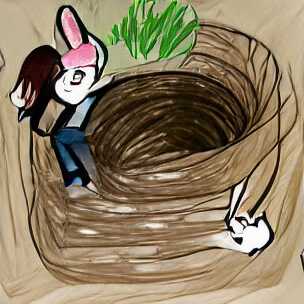
    Goodbye.

    (All the images in this post are generated using default settings from this generator script. They are not hand-curated, i.e. they represent more-or-less the first output for each of the prompts. With a bit of curation, and experimentation, your results will be much better, as demonstrated by other authors.)
  • A game of (AI) telephone

    A game of (AI) telephone

    Do you remember playing a game called “telephone” (or “Chinese Whispers”) as a kid?

    The game is simple: The first player comes up with a short sentence like “Alice and Bob walked to the bakery”. They then whisper this sentence to the second player, who then whispers to the third player etc.

    The fun part happens at the end, when the final player tells everyone what they heard, and everyone usually laughs because the sentence has changed a lot when passed from ear to ear, e.g. “Alice ran after Bob who stole her cake”2

    What if we made a pair of AI systems play a similar game of communication with each other — but with a small twist: Instead of communicating with voices, the systems communicate by text and images.

    The game would go like this:

    1. I choose a real image and write a one-sentence description of the image, just to make sure the first input is “real”.
    2. AI 1 — a text-to-image generator — would take the description and turn it into an image.
    3. AI 2 — an image-to-text generator — would take the image from step 2 and create a new image description.
    4. Go back to step 2 and feed this image description to AI 1.

    Without further ado, let us try it out, and we will get to the technology later in the post.

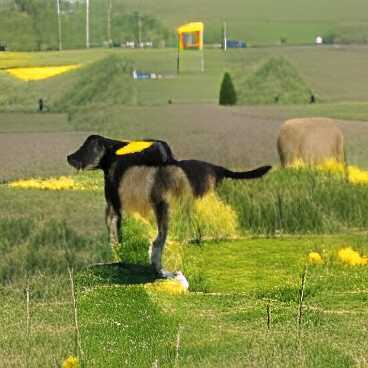
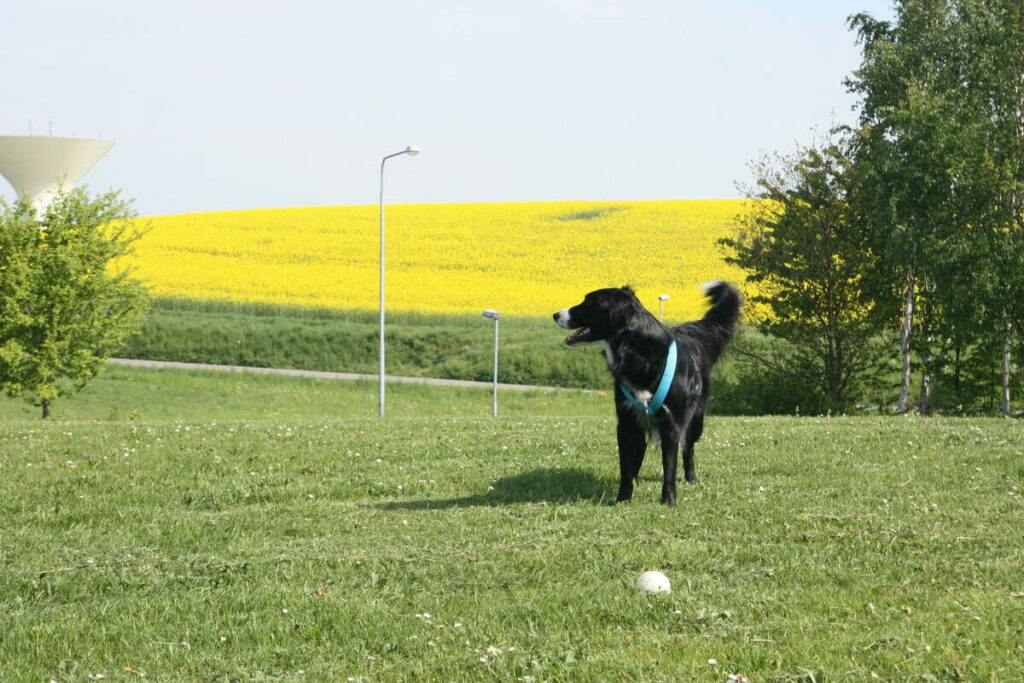
    For the first image, I chose this picture with the description “dog standing on a grass hill with a yellow field in the background”:

    With both the image and the description as the first inputs to the image generator, I got the following series of images and text descriptions:

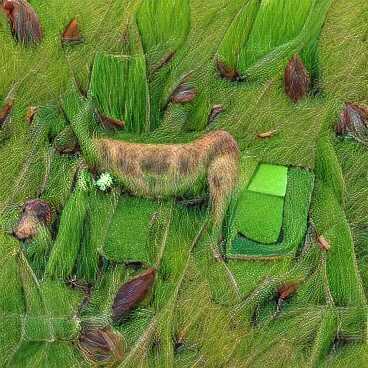
    Image generated from text “dog standing on a grass hill with a yellow field in the background”

    The above image was interpreted by AI 2 as “a dog on green grass” (not bad actually) and that description was fed back to AI 1 to produce:

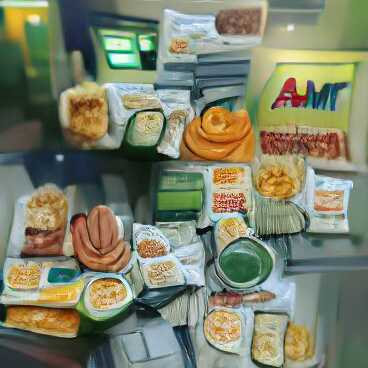
    Image generated from text “a dog on green grass”

    This image was interpreted by AI 2 as “a bunch of atm food” which doesn’t make sense, but who am I to judge, so back it went to AI 1, and we got the following image:

    Image generated from text “a bunch of atm food”

    Yeah that looks like bread, sausages and an… “AMT”? Not quite an ATM, but hey, it’s close. This image was interpreted as “a display case are sitting on a kitchen table” and based on this, we get our final image:

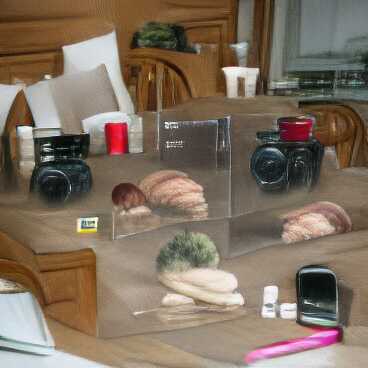
    Image generated from text “a display case are sitting on a kitchen table”

    I think it tried to draw cameras and a cellphone, but it is a bit abstract. This image is interpreted as “a few on a wall”.

    And there you have it. We went from “dog standing on a grass hill with a yellow field in the background” to “a few on a wall” and from a nice summer image of my dog to a display of electronic devices?

    It is worth noting that the above is just one of many possible outcomes from the same starting point. The models use randomness in their configurations, which means that the end result is almost never the same. It might be interesting to automate the process in the future.

    For now, I hope you just enjoyed this little experiment.

    The tech behind

    As mentioned in the introduction, the “game” consists of two deep learning (“AI”) systems. I actually already wrote a post about one of them, the image captioning model from the Tensorflow tutorial. This is what I called “AI 2”, and it can take an image and produce a caption for it.

    For this experiment, I let the model train a bit longer than in the previous post, but I did not really evaluate it, so the captions are still hit or miss. However, you can see from its first interpretation “a dog on green grass” that it is not terrible.

    The image generator (“AI 1”) is the new and shiny thing here. It is called VQGAN+CLIP, and it actually consists of two models that work together to produce an image from a piece of text. The specific version I am using here is based on work by Katherine Crowson found in this vqgan-clip repository on Github (specifically the notebook with the z+quantize method).

    For this experiment, I let the system run for a few minutes before stopping it and taking the produced image. I do not fully understand how the VQGAN+CLIP system works, and it is probably also beyond the scope of this post to discuss it, but I encourage you to search for examples online.

    Its creations are often abstract with a hint of reality, so they end up looking quite surreal and sometimes disturbing. This blog post about “AI movie posters” is what got me interested in VQGAN+CLIP, and I might explore it a bit more in the future as well.

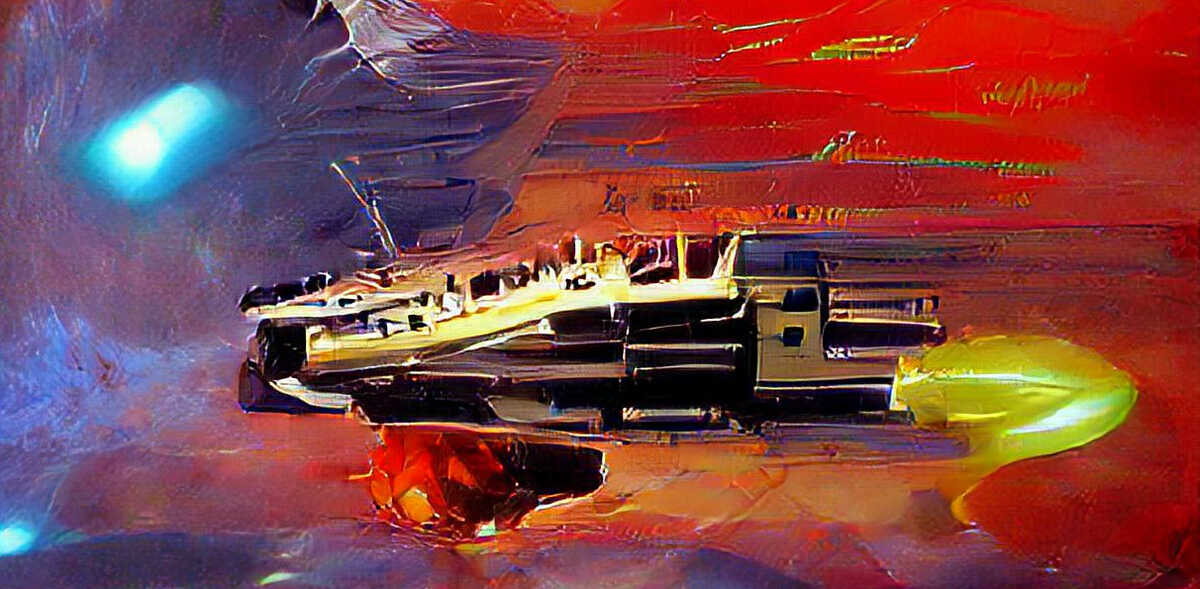
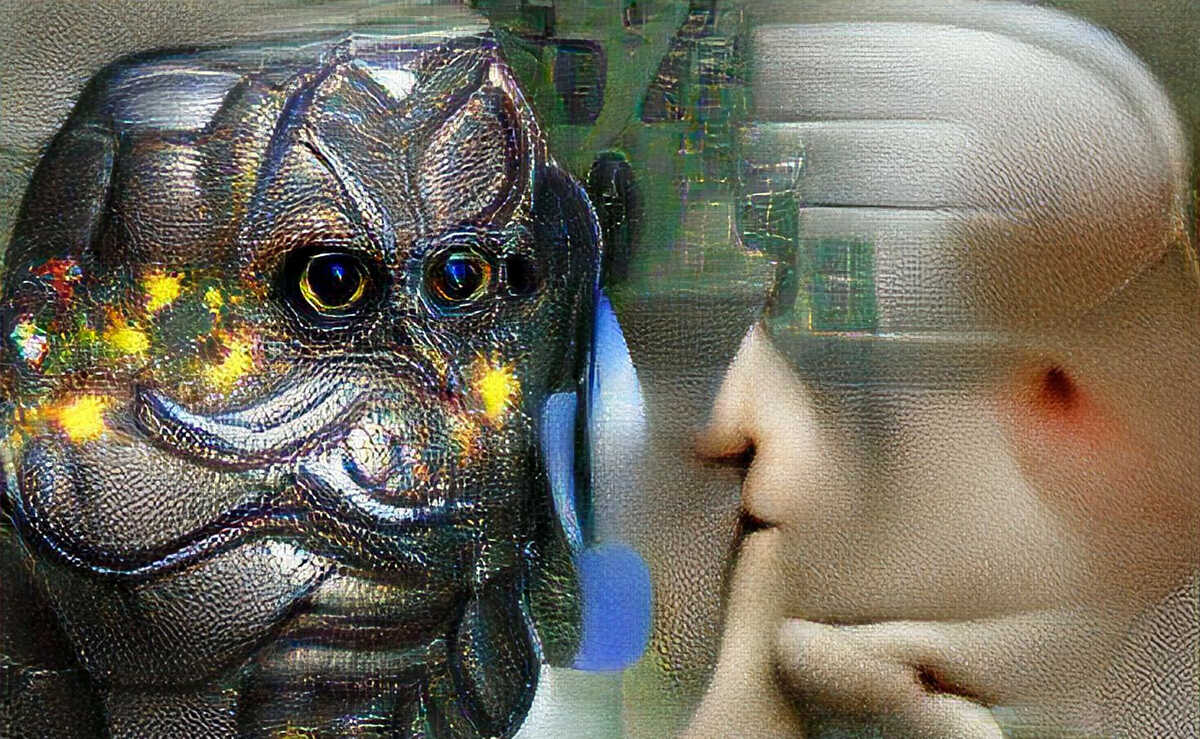
    By the way, the image at the beginning of this post is also made by VQGAN+CLIP from the text “An artificial intelligence whispers to another artificial intelligence”, and it is scaled up with a super resolution neural network called esrgan. Good stuff!

  • Generating cartoon avatars with GANs

    You might have heard of Deepfakes, which are images or videos where someone’s face is replaced by another person’s face. There are various techniques for creating Deepfakes, one of them being Generative Adversarial Networks (GANs).

    A GAN is a type of neural network that can generate realistic data from random input data. When used for image generation, a generator network creates images and tries to fool a discriminator network into believing that the images are real. The discriminator network gets better at distinguishing between real and fake images over time, which forces the generator to create better and better images.

    I wanted to play around with GANs for a while, specifically for generating small cartoon-like images. This post is a status update for the project so far.

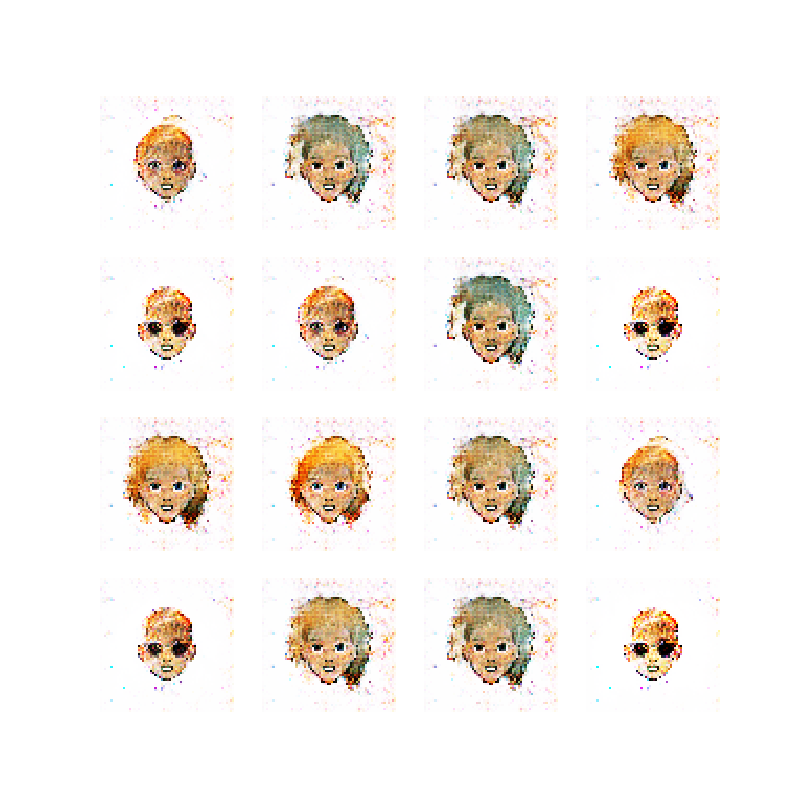
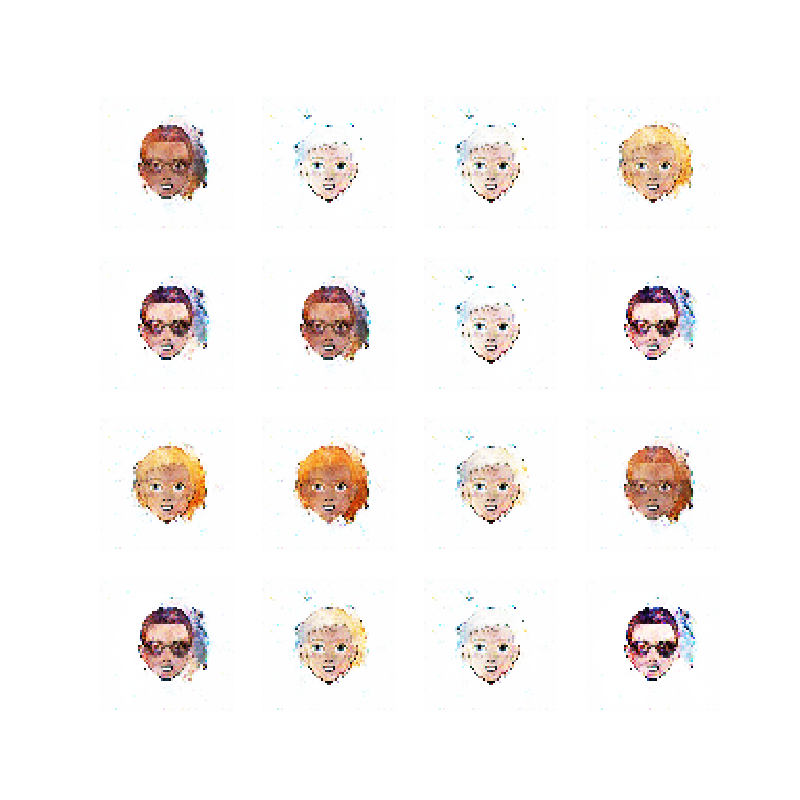
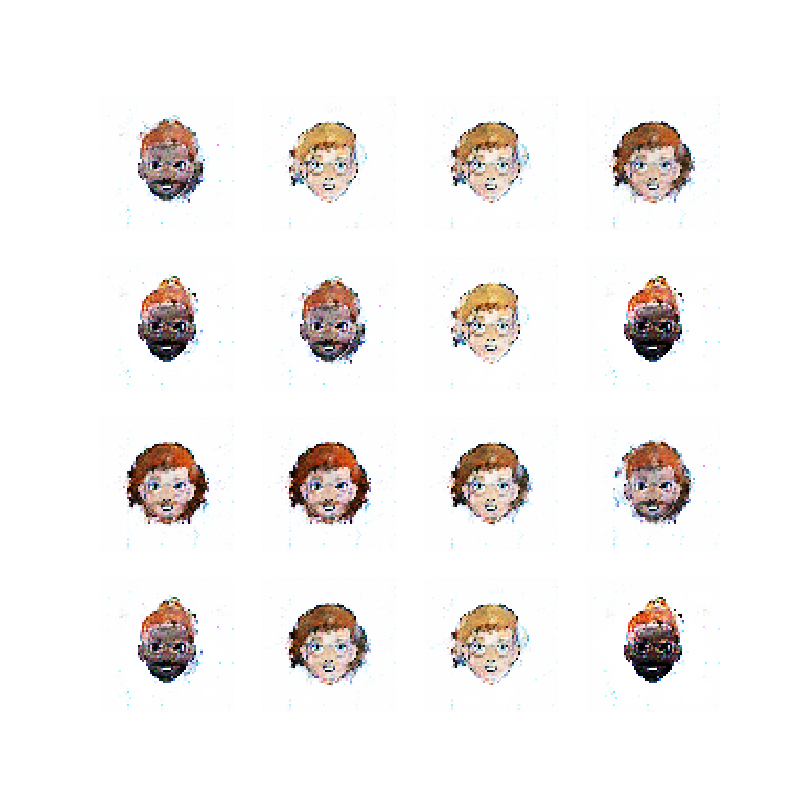
    Here is the code, and here are 16 examples of images generated by the current state of the network:

    16 cartoon faces generated by a GAN

    DCGAN Tutorial and drawing ellipses

    There are many online tutorials on how to create a GAN. One of them is the DCGAN tutorial from the Tensorflow authors. This tutorial was my starting point for creating and training a GAN using the DCGAN (deep convolutional GAN) architecture.

    In the tutorial, the authors train the GAN to generate hand-written digits, based on the famous MNIST dataset. Instead of creating hand-written-number-lookalikes, I wanted to see if I could generate simple shapes like these ellipses:

    Color ellipses used for input

    I thought these shapes would be a trivial task for the GAN to generate, but I was of course mistaken.

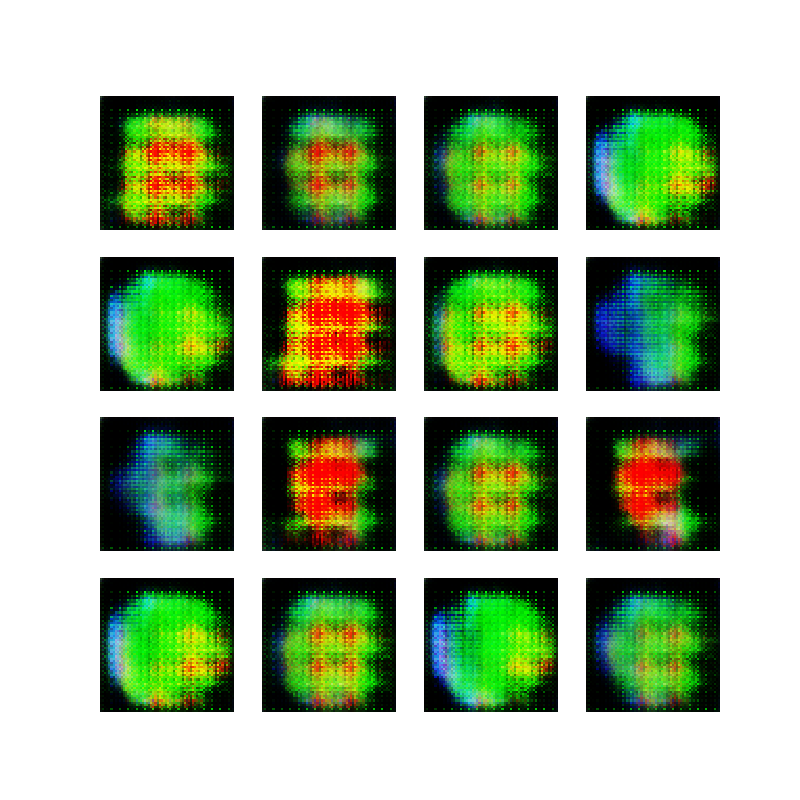
    After implementing the DCGAN network based on the DCGAN tutorial, my first attempt that actually did something produced color in some kind of shape but not actual ellipses.

    A note on the images shown throughout this post: Let’s say we have 10 thousand images in our dataset (in this case 10 thousand images of an ellipse). One epoch consists of running through all these images once and a network is trained for 50 epochs. At the end of each epoch, an image is captured based on 16 sample inputs to the generator. These inputs stay the same during training. Thus, we have 50 images (one for each epoch) with 16 generated samples when the network is done training, and we are ideally interested in seeing these 16 images get more realistic over time.

    The video below shows the evolution of one of these network training sessions. The video is stitched together from the 50 epoch images. Notice that at the beginning of training, the output of the generator is a gray blob which is the random data. Over time, some colors emerge, until training collapses in the end and it just generates white backgrounds :-)

    First attempt at making ellipses with a GAN

    Ellipses in opaque black and white

    Taking a step back and reviewing the tutorial again, I took note of a few things that I did not pay attention to initially:

    1. The tutorial uses white, opaque digits on a black background. I was using unfilled (not opaque) ellipses on a white background.
    2. The images are only black and white (grayscale). I was using many colors.
    3. The MNIST dataset consists of 60 thousand examples. I was using a few hundred images.

    If the goal of the generator is to fool the discriminator, but the images of ellipses are actually mostly white background with a little bit of color, it makes somewhat intuitive sense that the generator ends up just drawing white backgrounds as seen in the video above.

    With this in mind, I created 10 thousand opaque white ellipses on a black background, just to prove that the network was indeed working. Here are some examples:

    Opaque ellipses, black and white

    The result from doing this was much better, and the generator ended up creating something that resembles circles:

    Second attempt at making ellipses with a GAN

    Wow, I created a neural network with 1 million parameters that can generate white blobs on a black background *crowd goes wild and gives a standing ovation*.

    Sarcasm aside, it is always a good feeling when the network finally does something within a reasonable timeframe (it took about a minute to train this network).

    Deeper, wider, opaque, color

    After the “success” of the black and white ellipses, I started reviewing some tips on how to tweak a GAN (see references at the bottom of post). Without going into too much detail, I basically made the neural network slightly deeper (more layers) and slightly wider (more features) and switched back to using random colors for the ellipses, while keeping them opaque.

    Here are some examples of the input ellipses:

    Opaque ellipses, with color

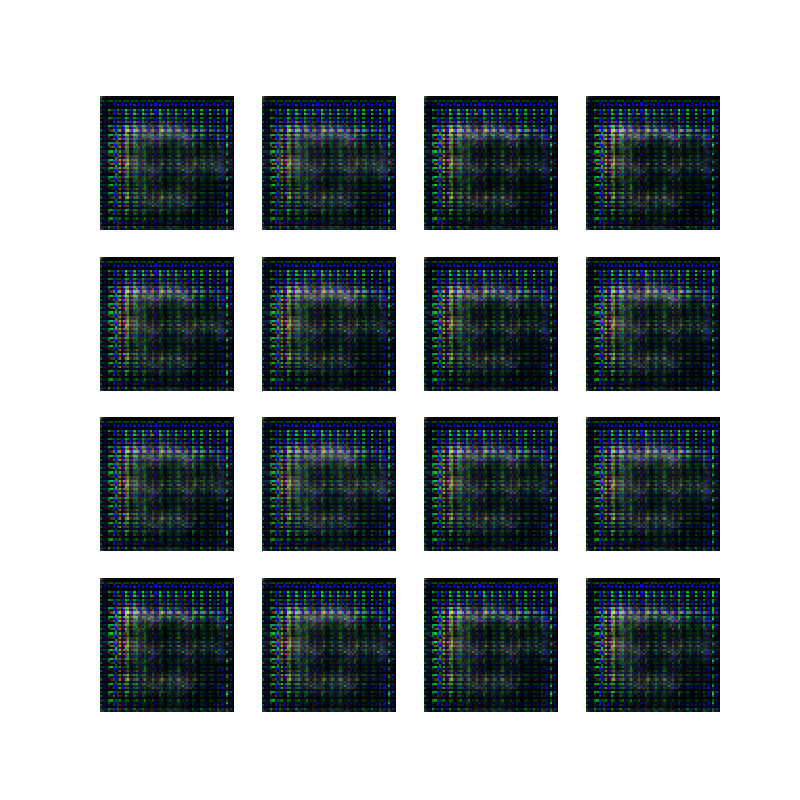
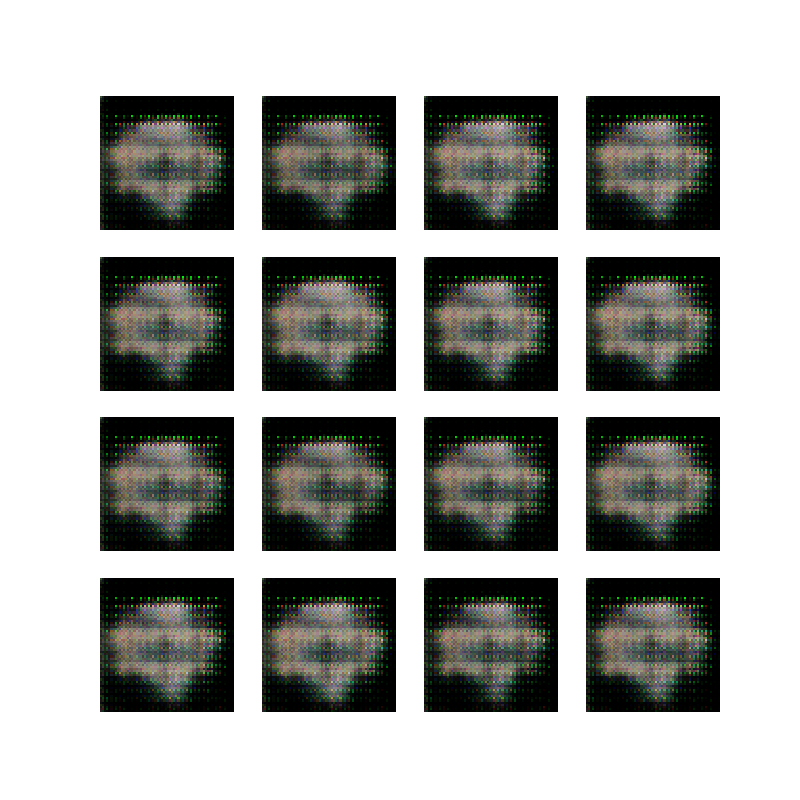
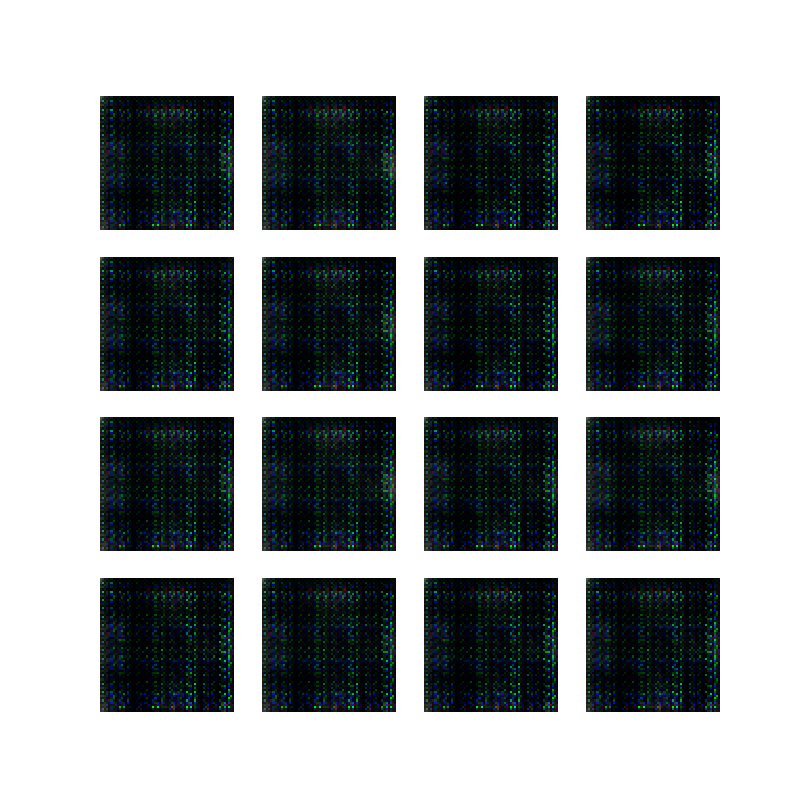
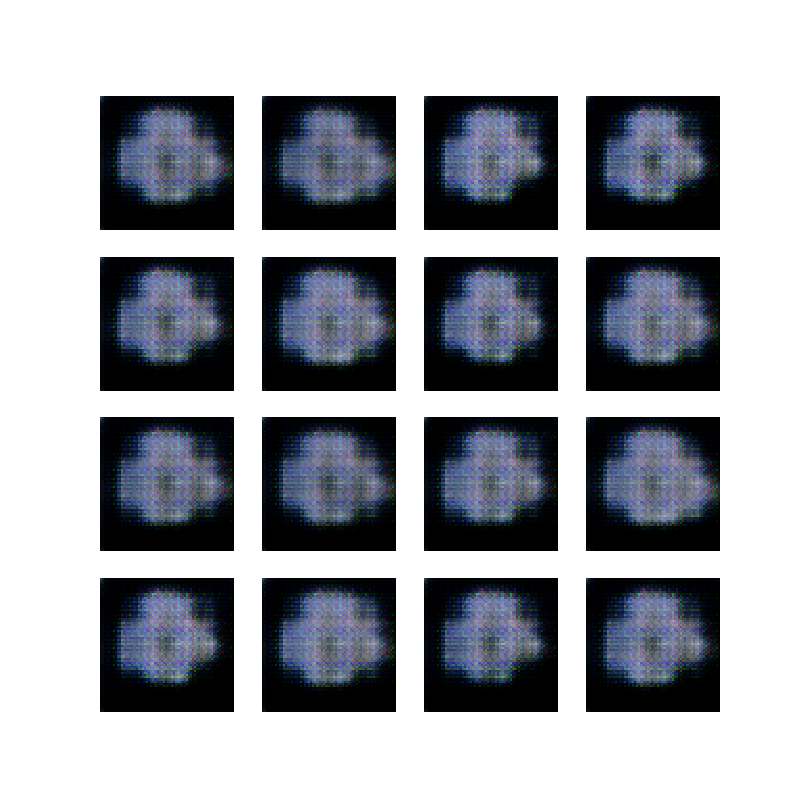
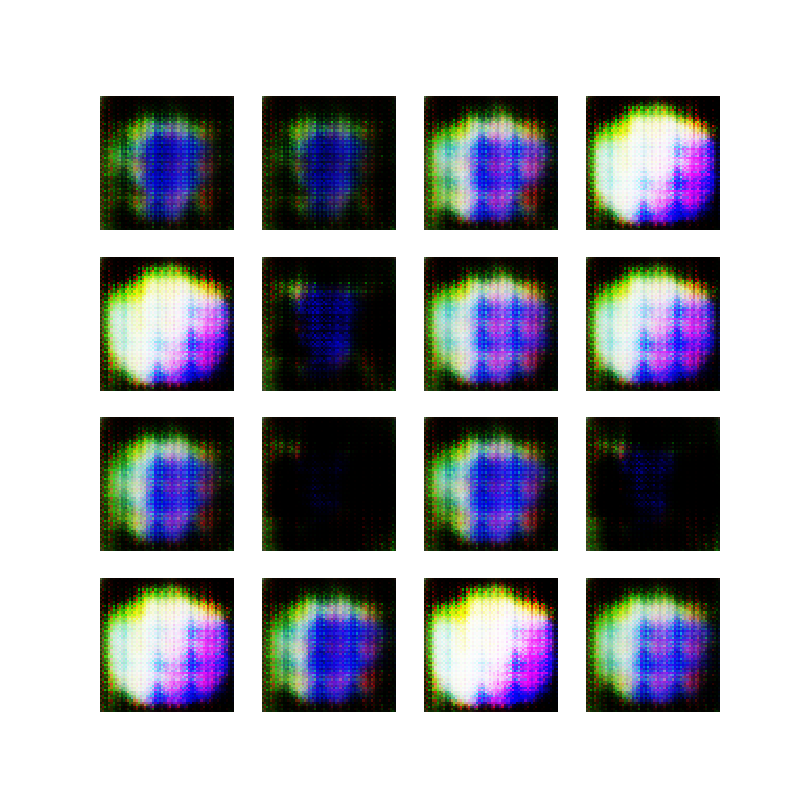
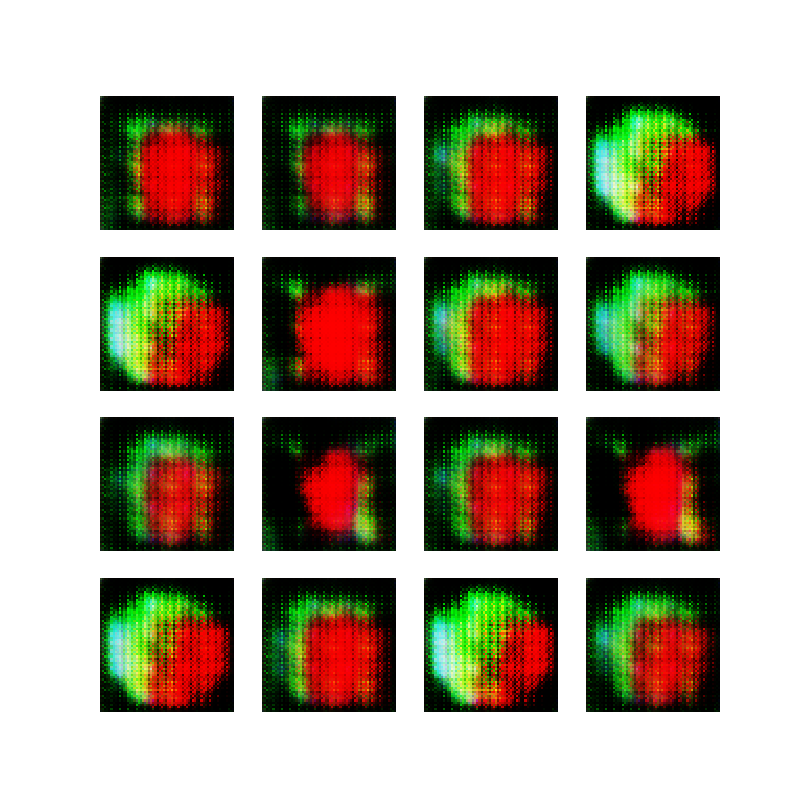
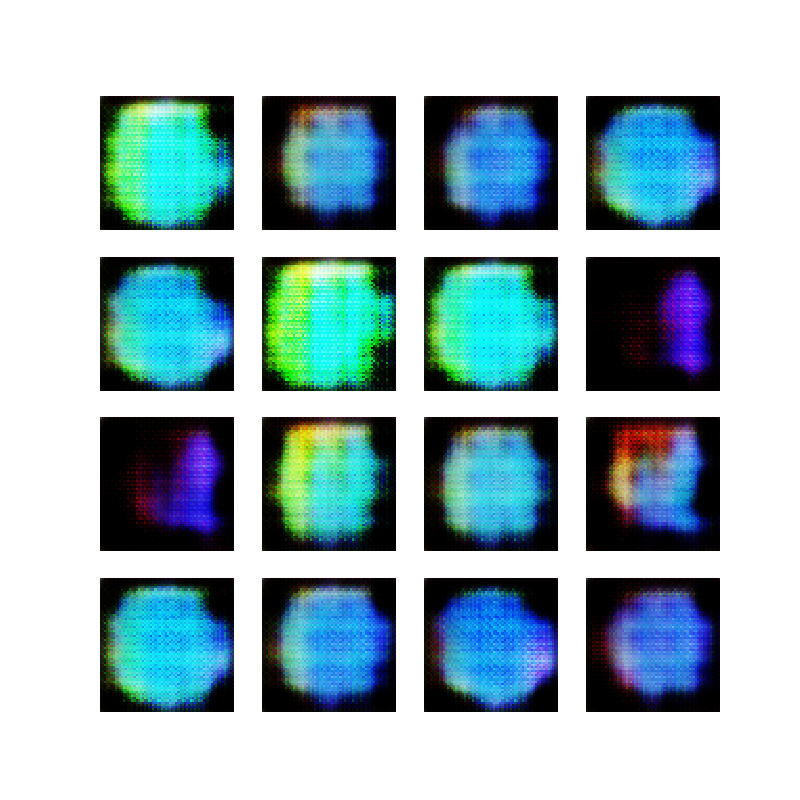
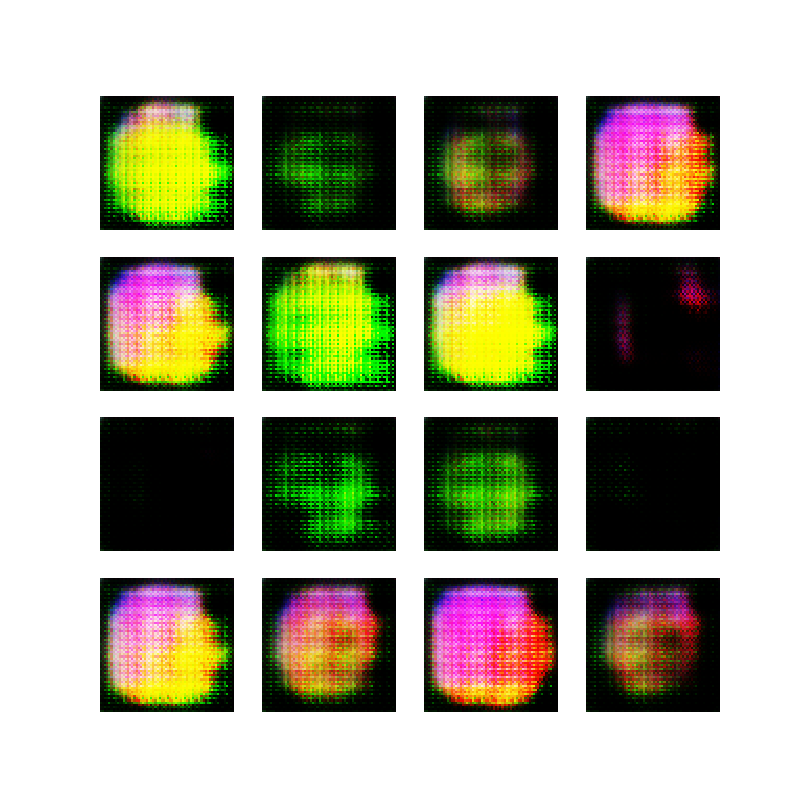
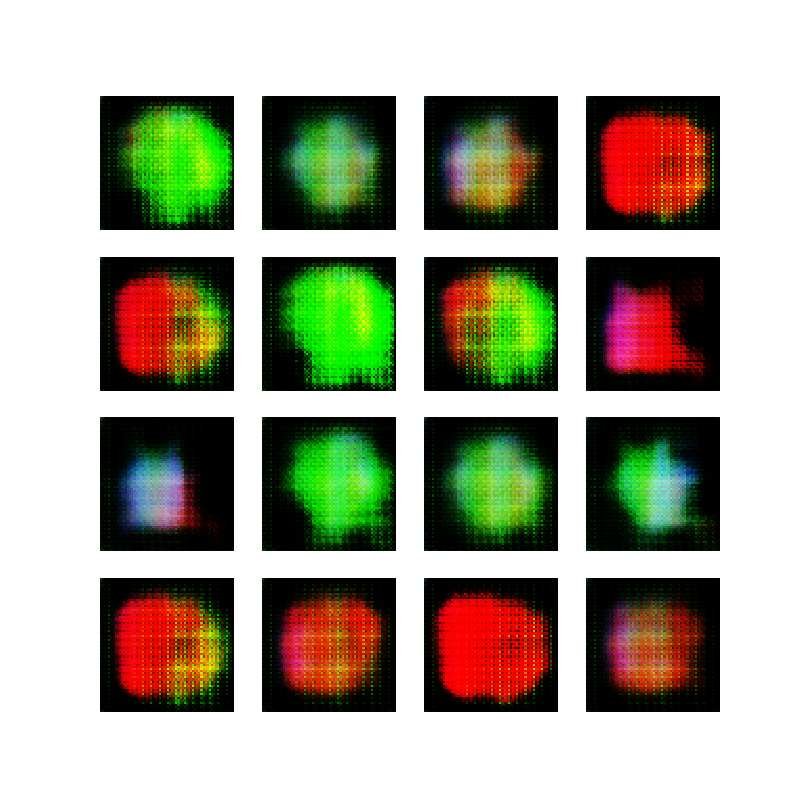
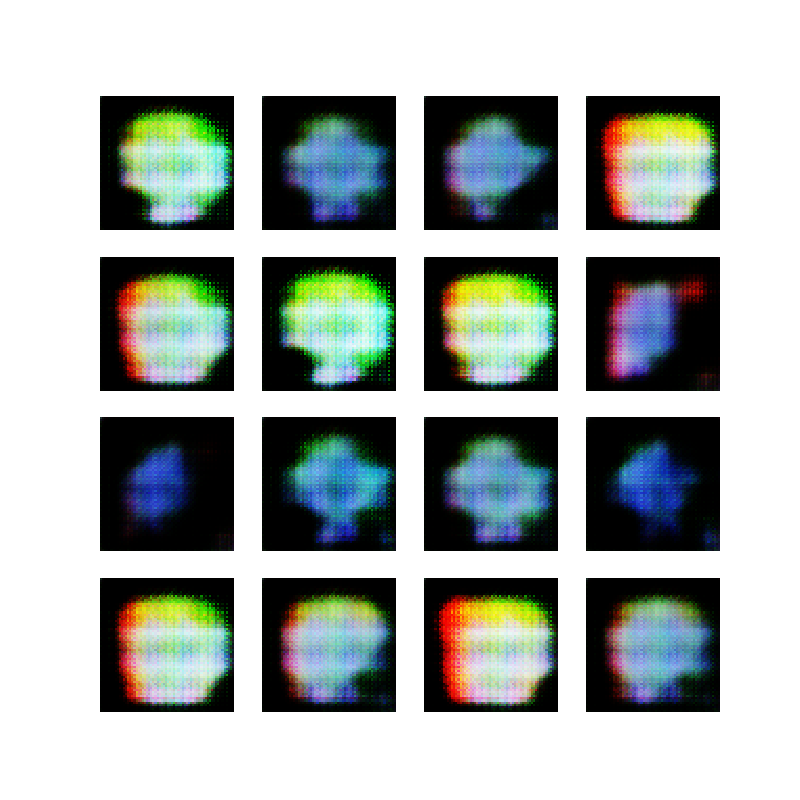
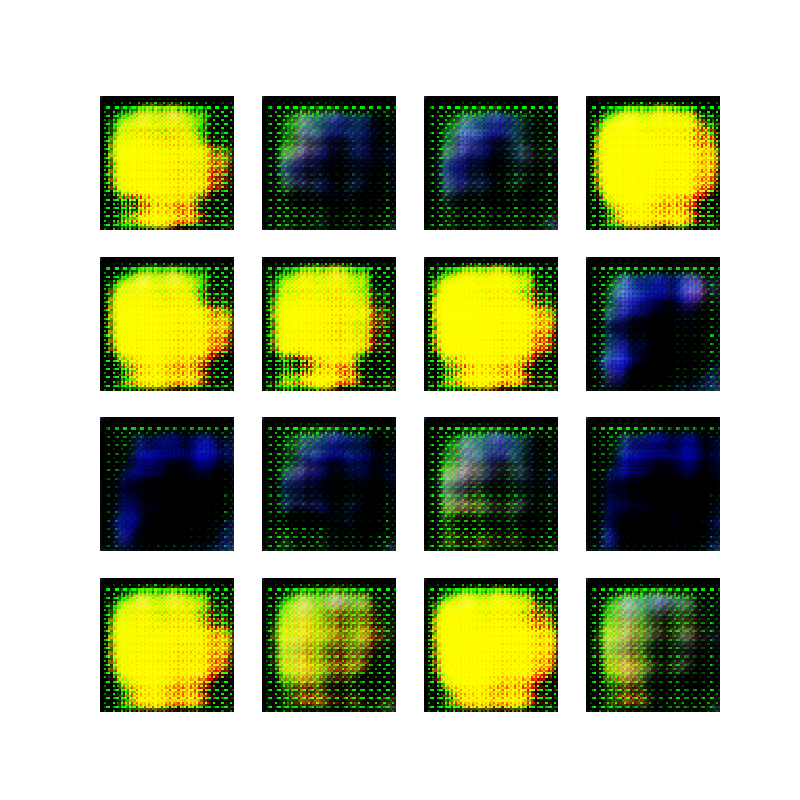
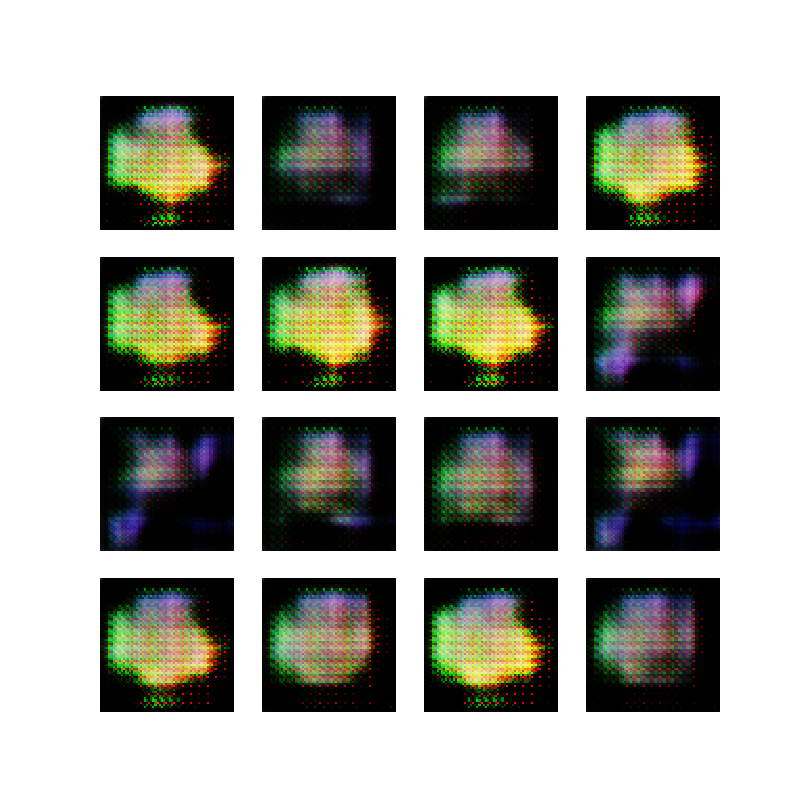
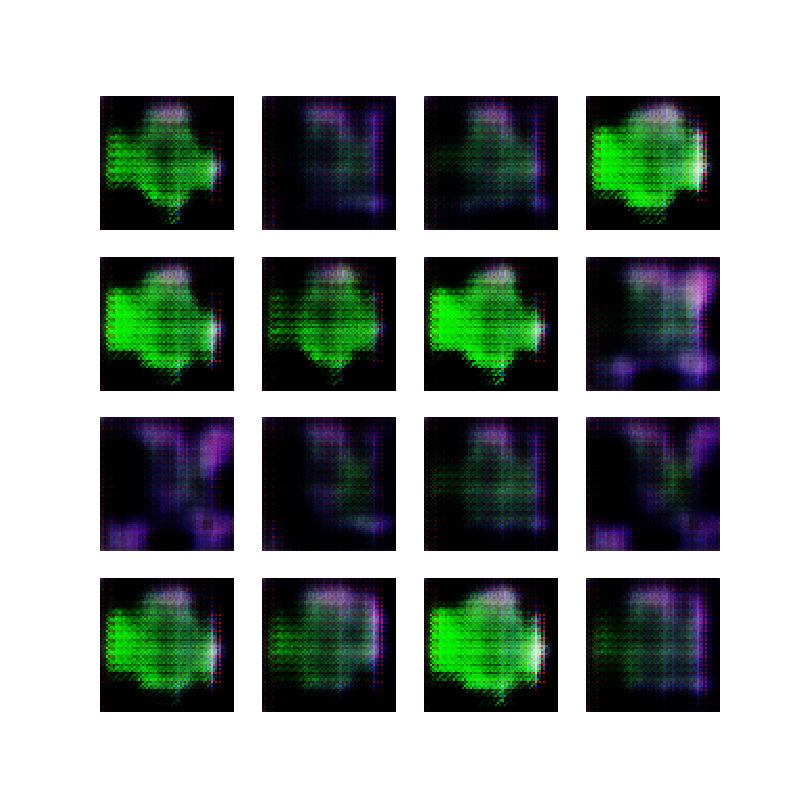
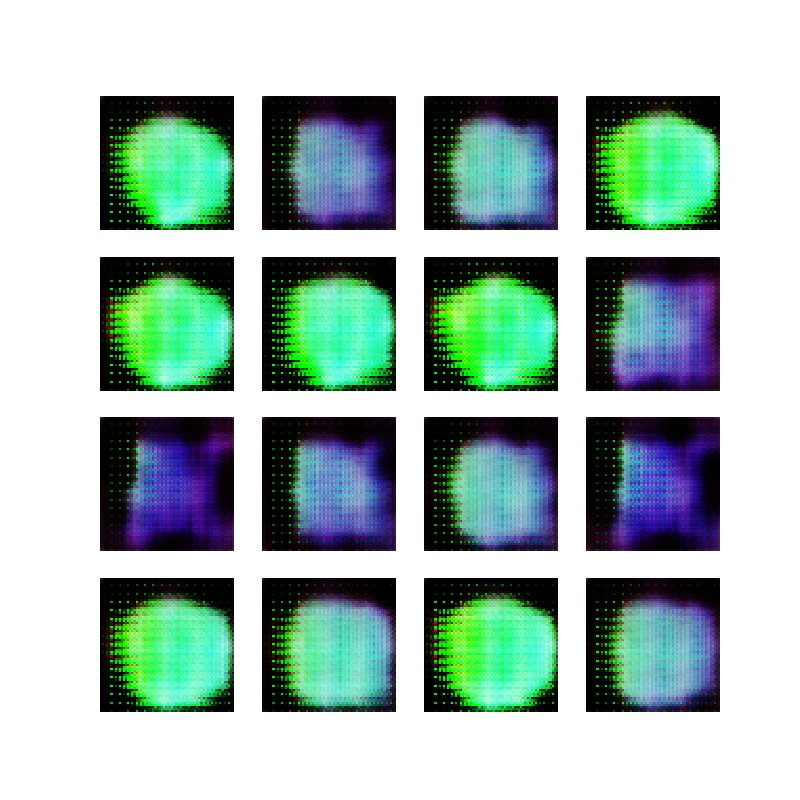
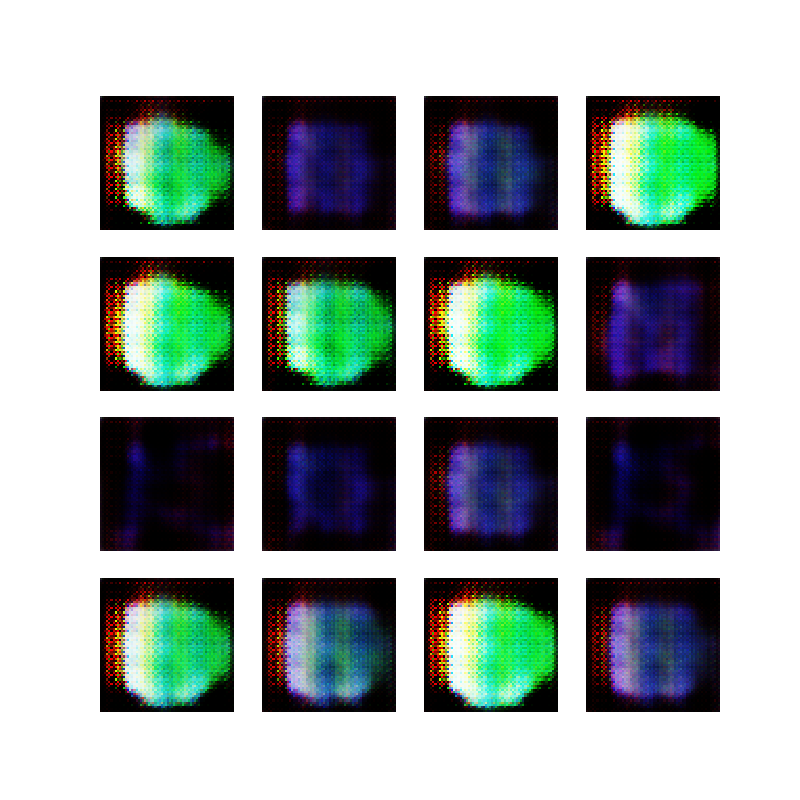
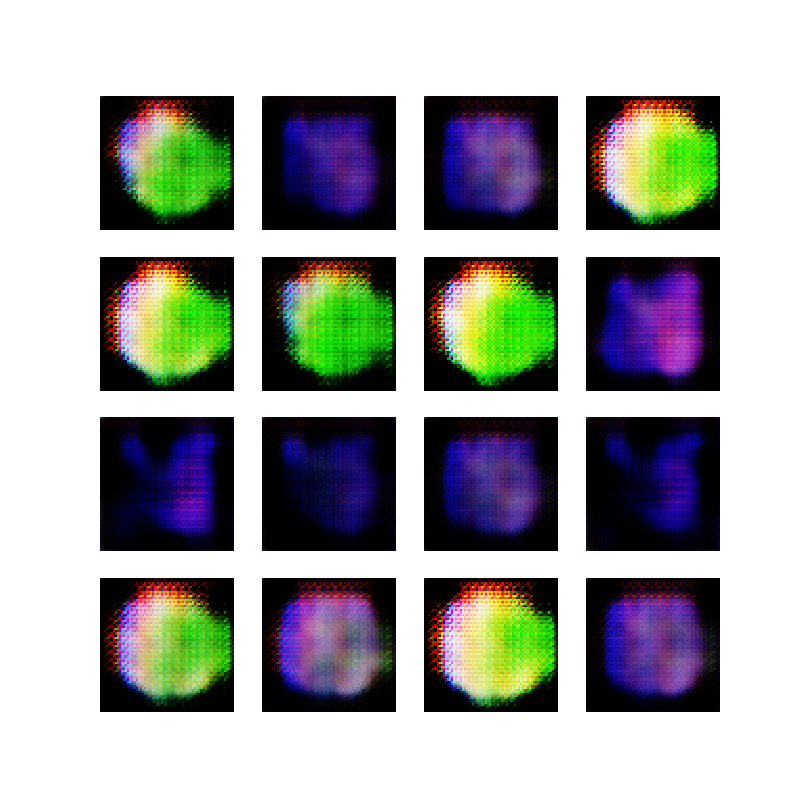
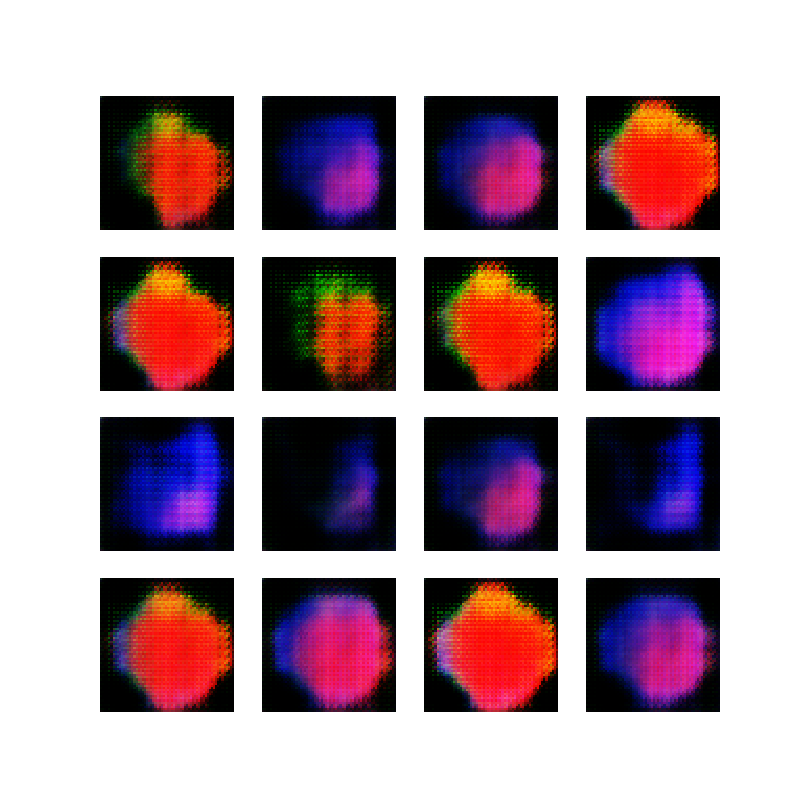
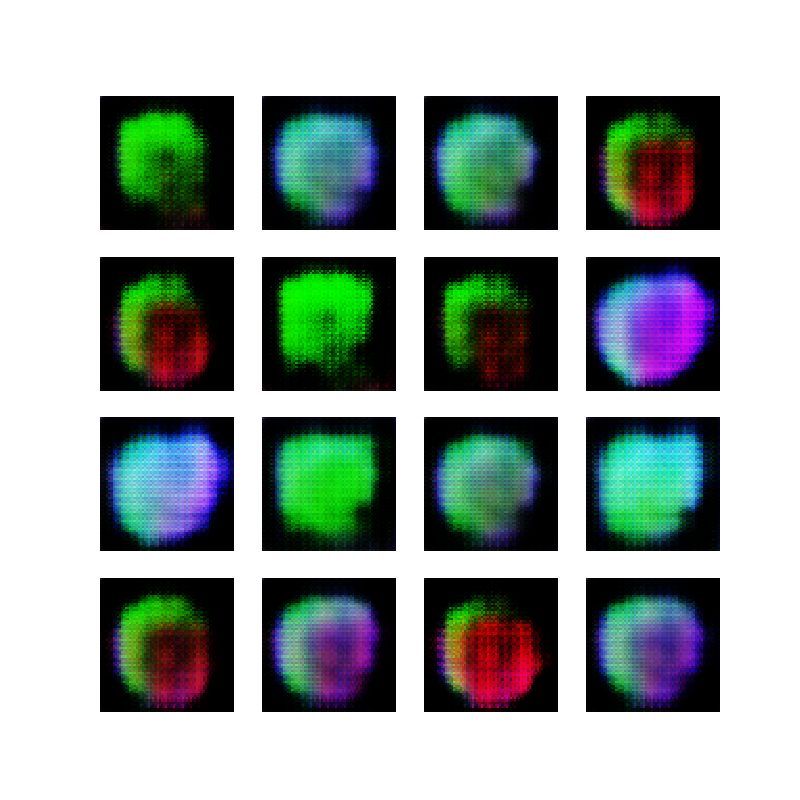
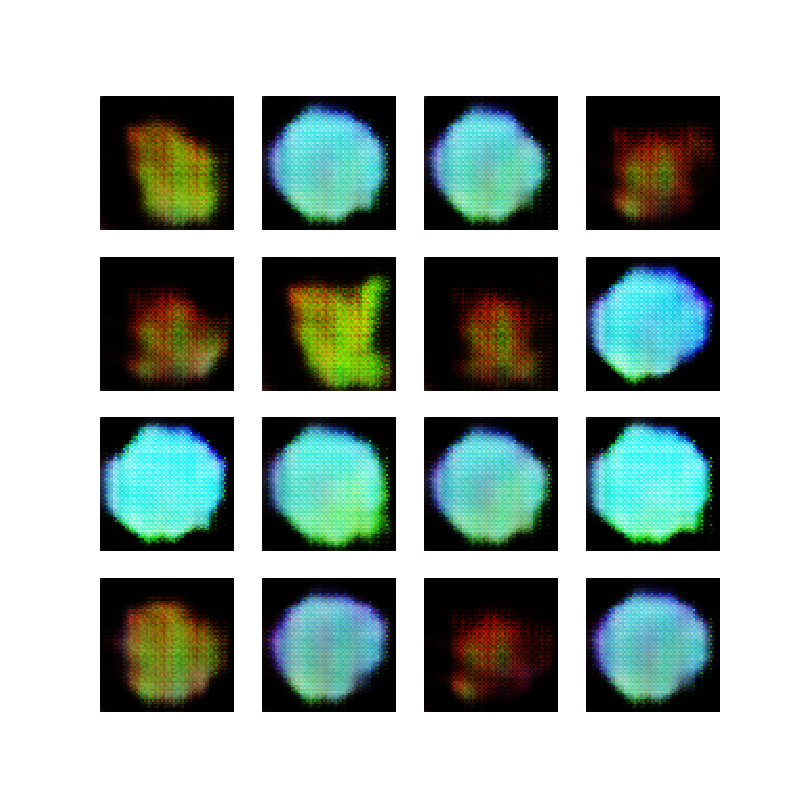
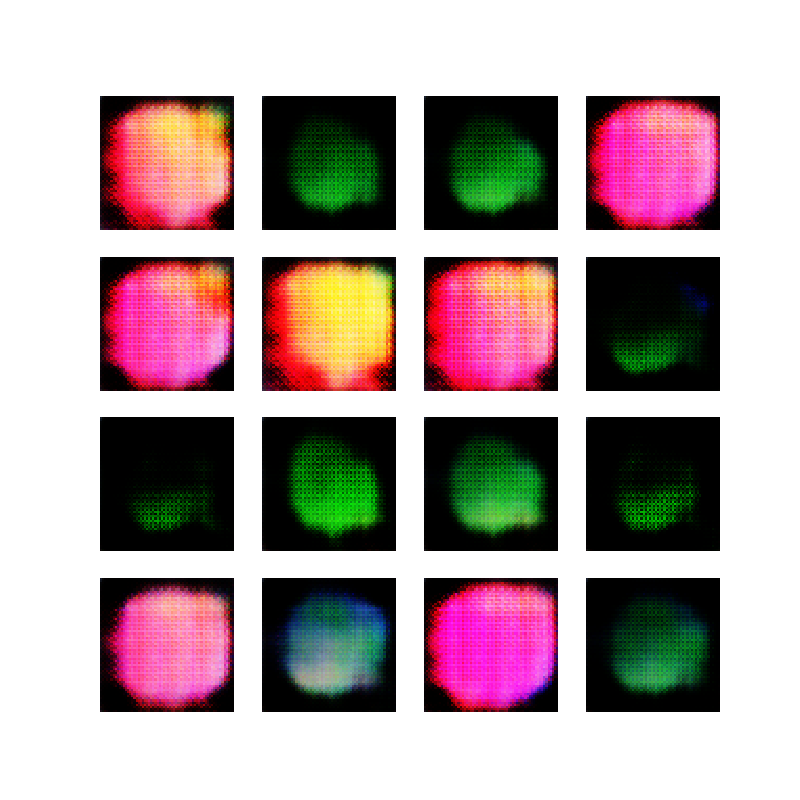
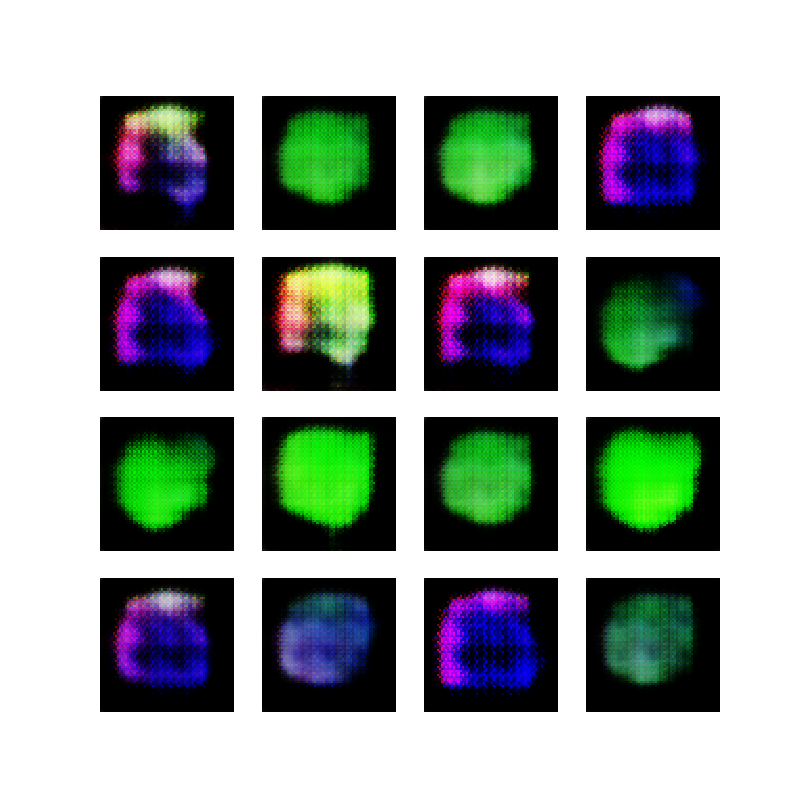
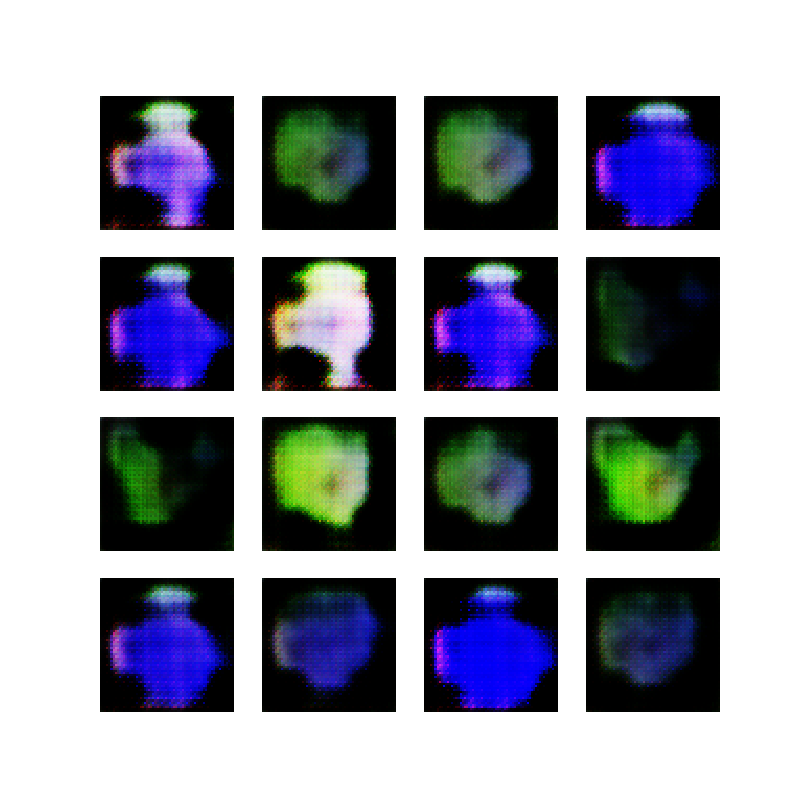
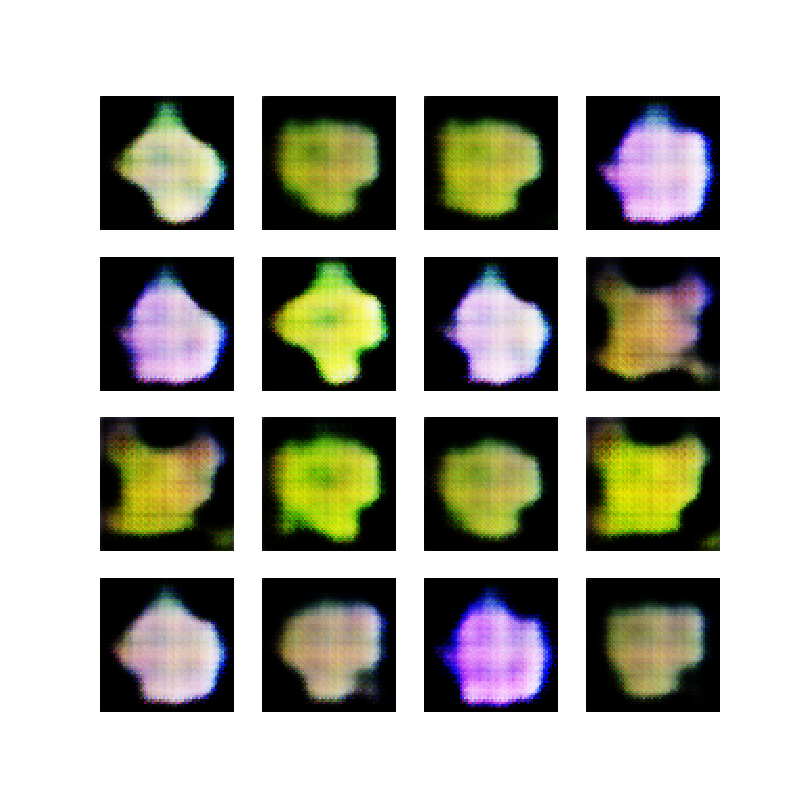
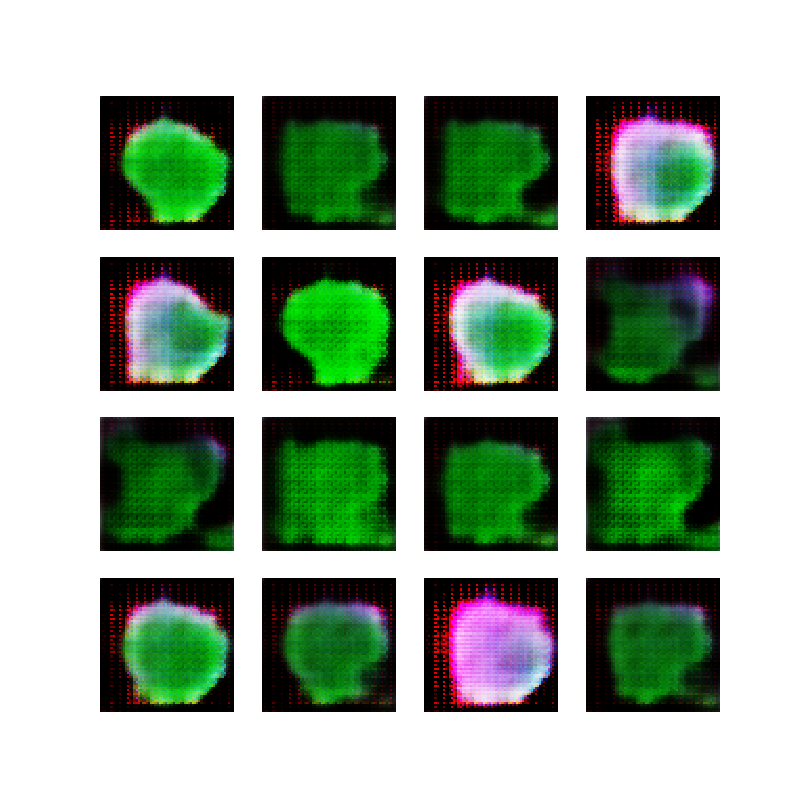
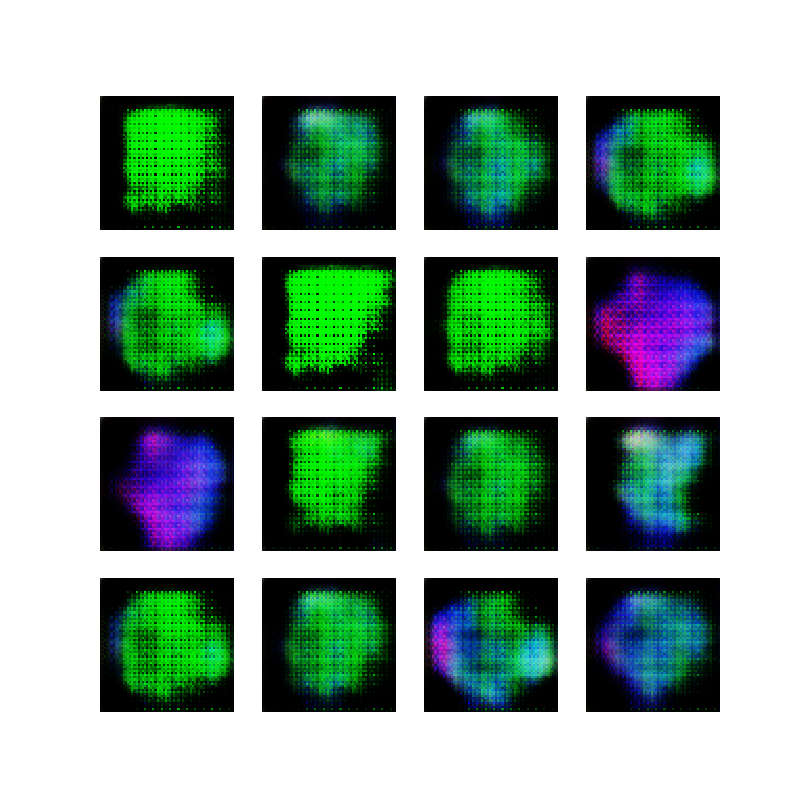
    After training the network with these images, it was interesting to see the 16 generated samples converge to colored blobs and then change dramatically between epochs. I think this is what is known as “mode collapse” and is a known issue/risk when training GANs:

    Each iteration of [the] generator over-optimizes for a particular discriminator, and the discriminator never manages to learn its way out of the trap. As a result the generators rotate through a small set of output types. This form of GAN failure is called mode collapse.

    Google Developers, Common Problems with GANs

    Mode collapse is most obvious when viewing the epoch images individually, so rather than stitch them together into a video, I have included 50 images below. Notice that after about 20-25 epochs, the output starts to resemble colored ellipses, and all epochs after that do not seem to improve much:

    I must admit, I think there’s a certain beauty to these generated images, but to be honest, it is still just randomly colored blobs, and they could be generated with much simpler algorithms than this beast of a neural network.

    Generating cartoon avatars

    Instead of continuing to tweak the ellipses-generating network, I wanted to see if I could generate more complex images. My original idea was to generate cartoon like images, and to my great delight, Google provides the Cartoon Set, a dataset consisting of thousands of cartoon avatars, licensed under the CC-BY license.

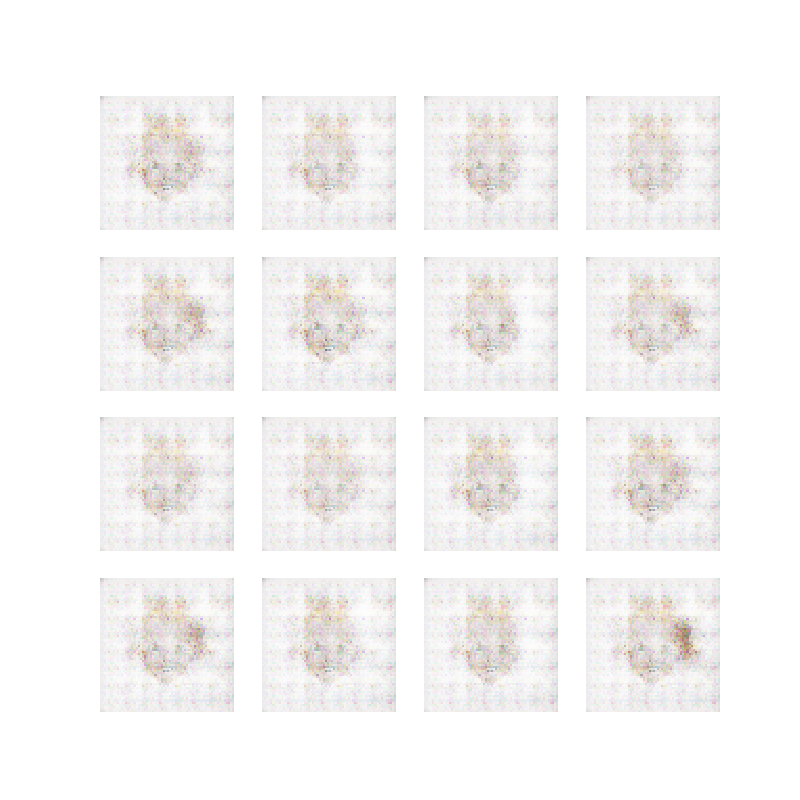
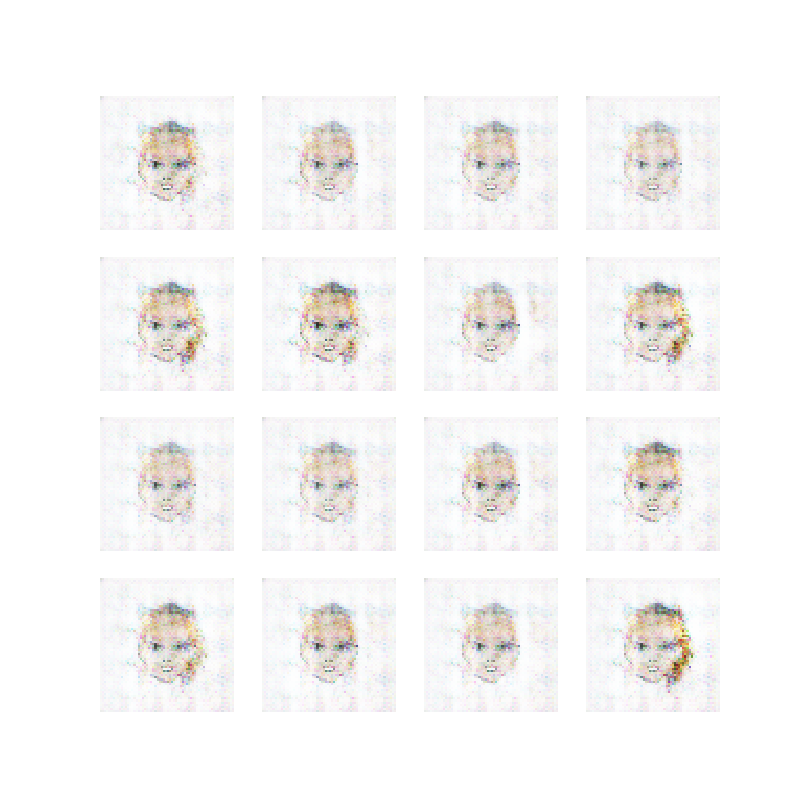
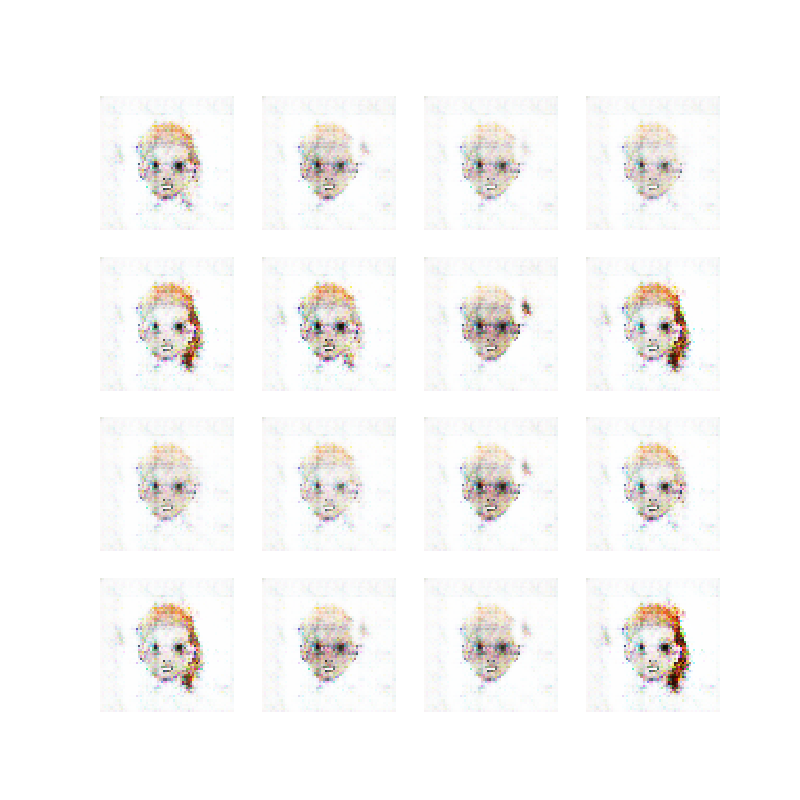
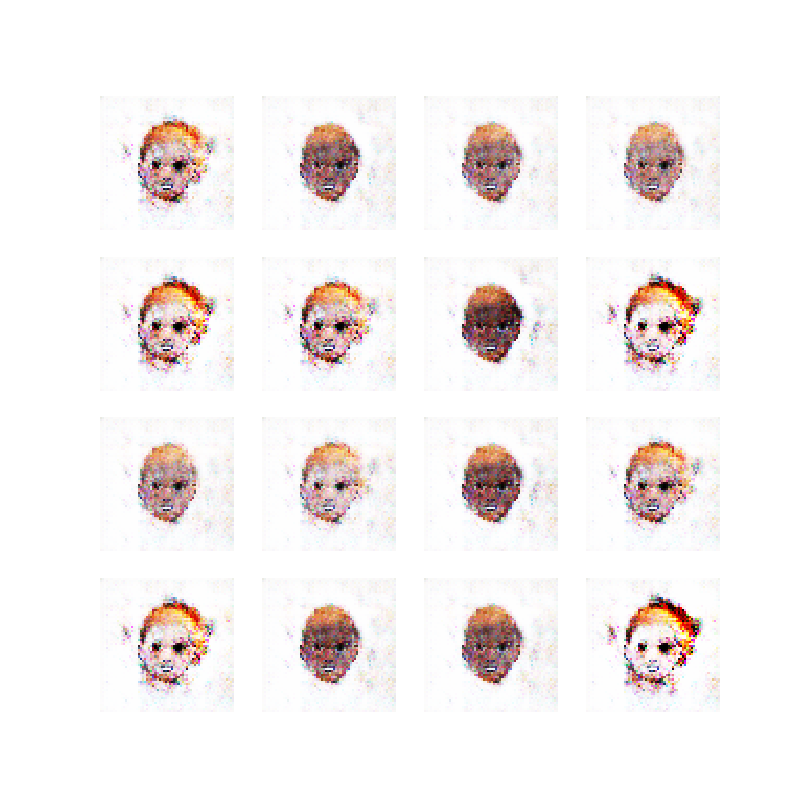
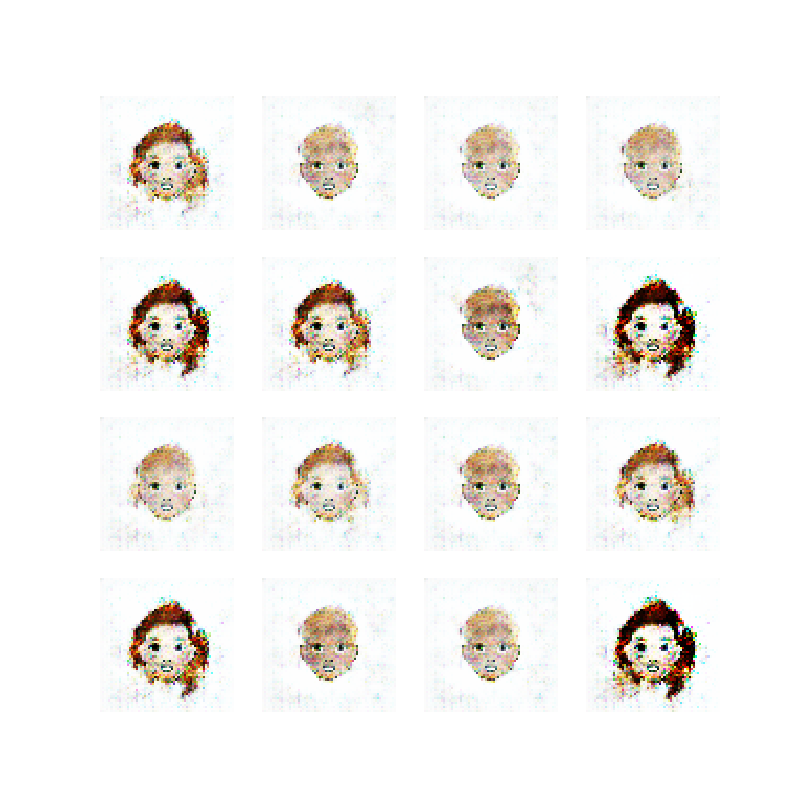
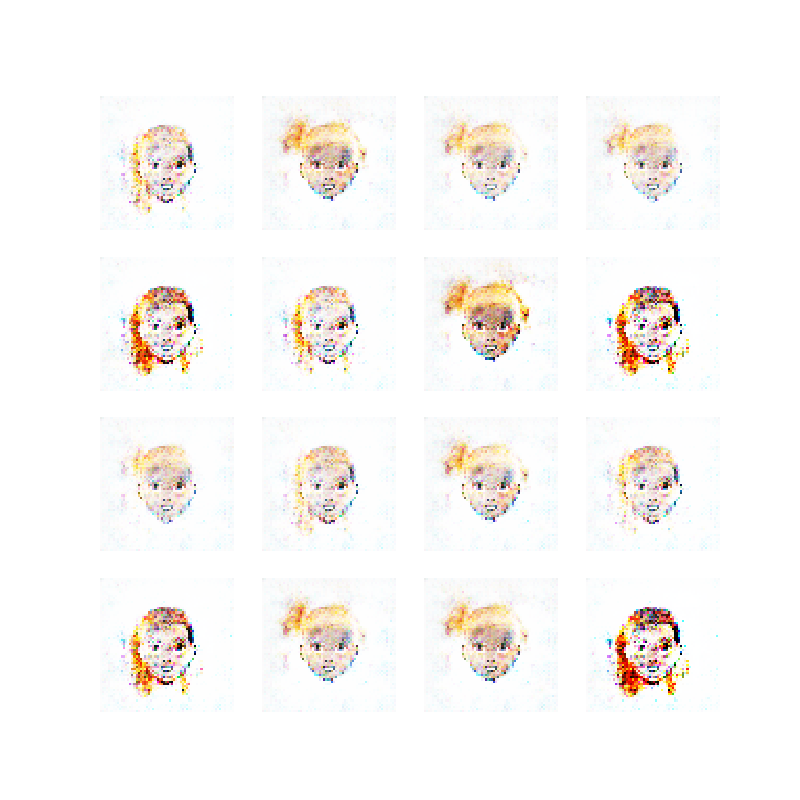
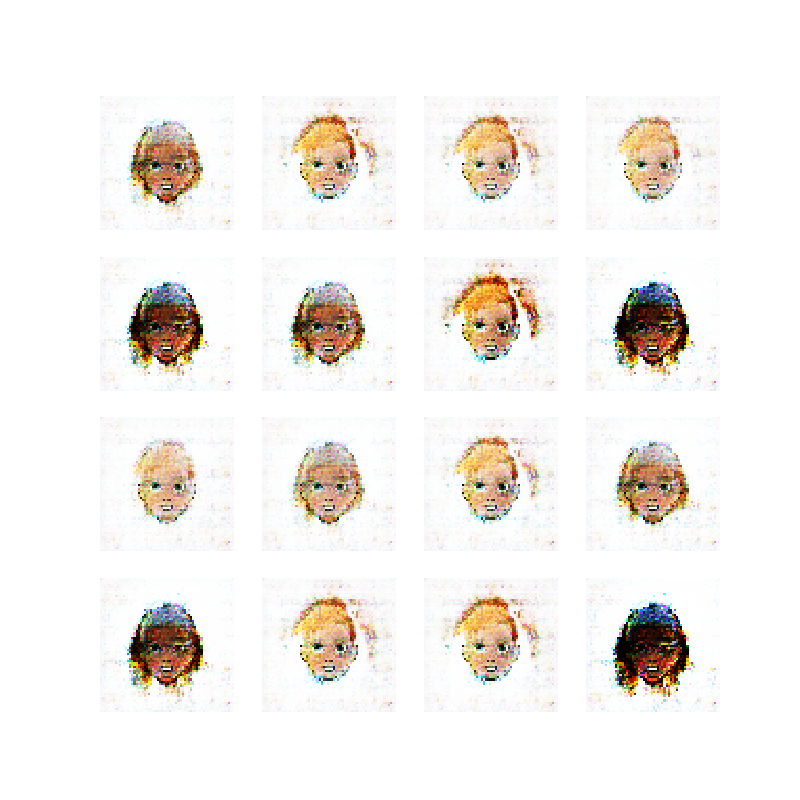
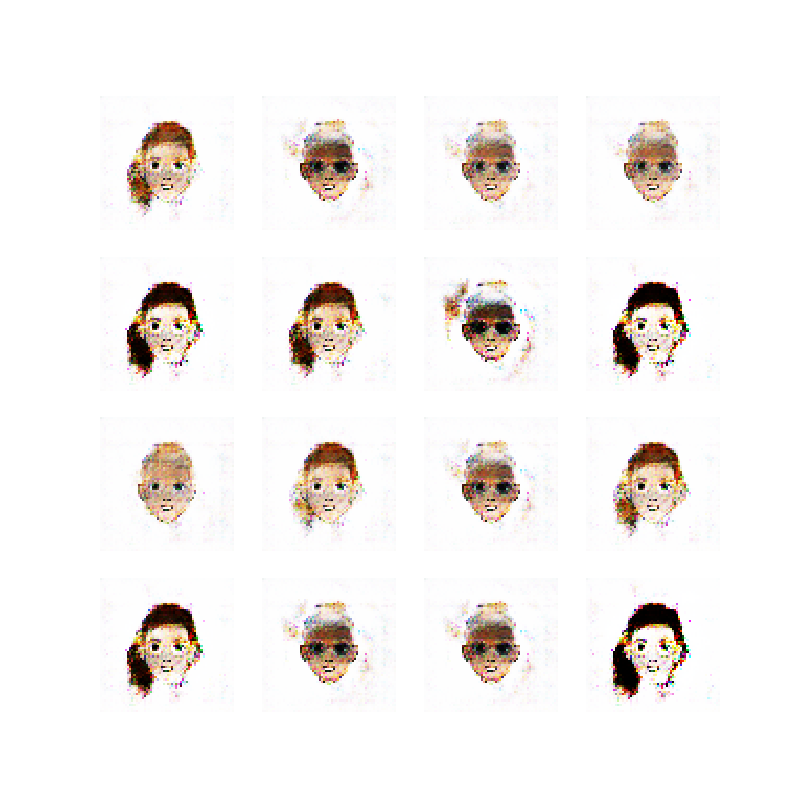
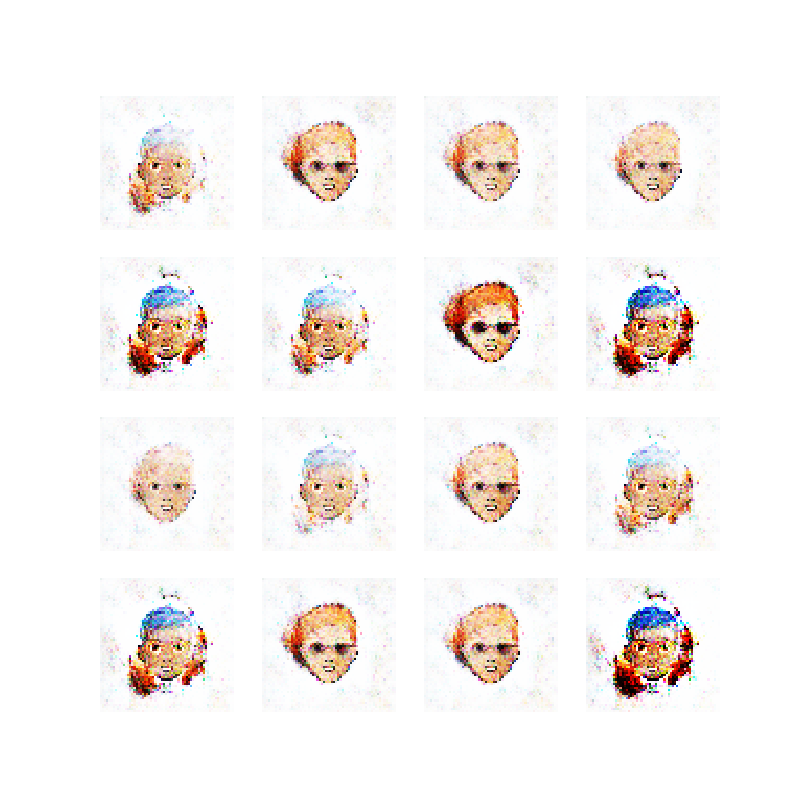
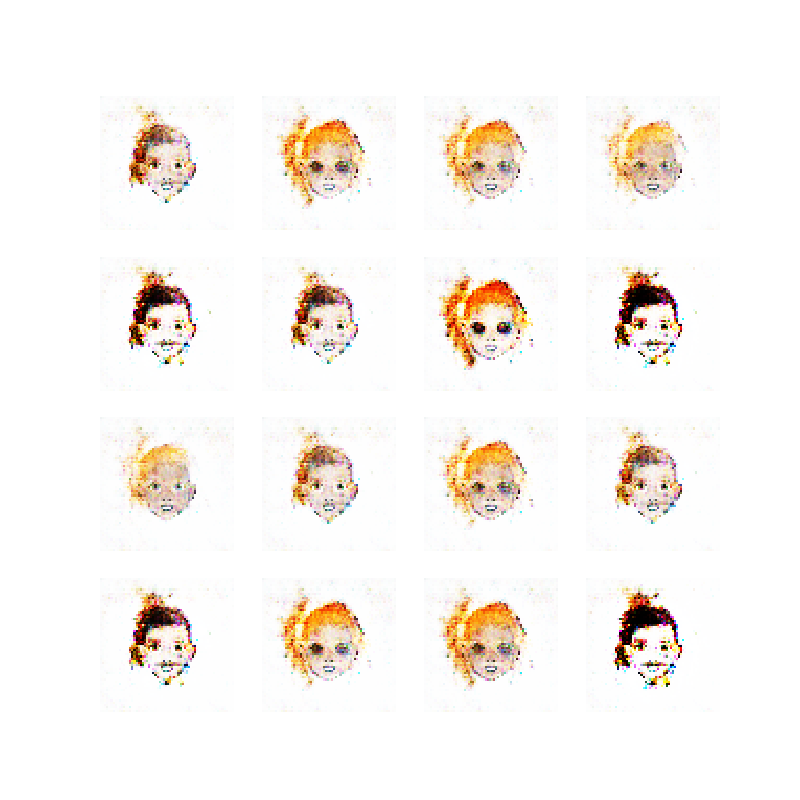
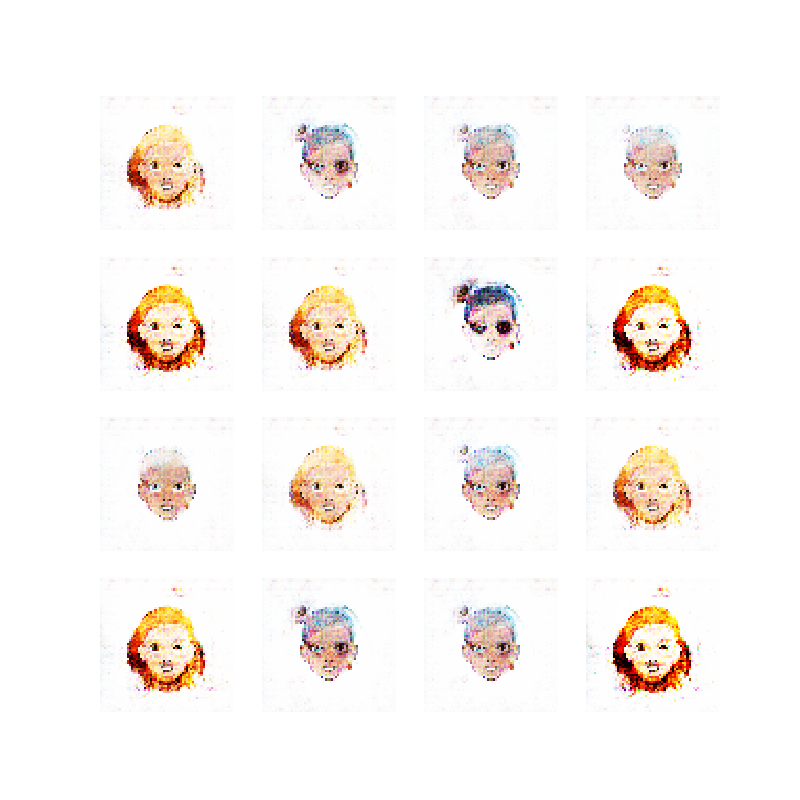
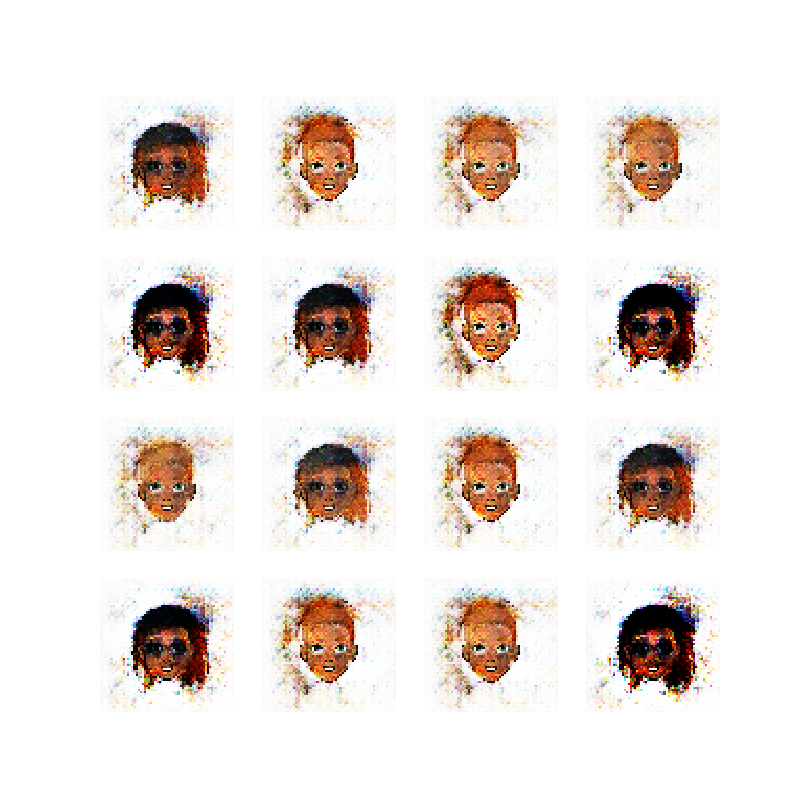
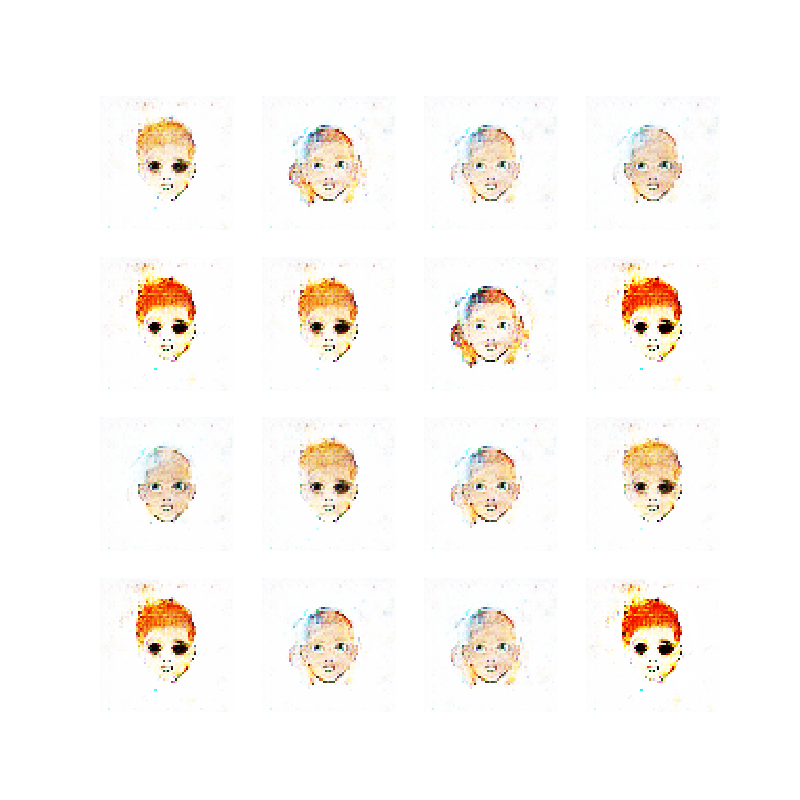
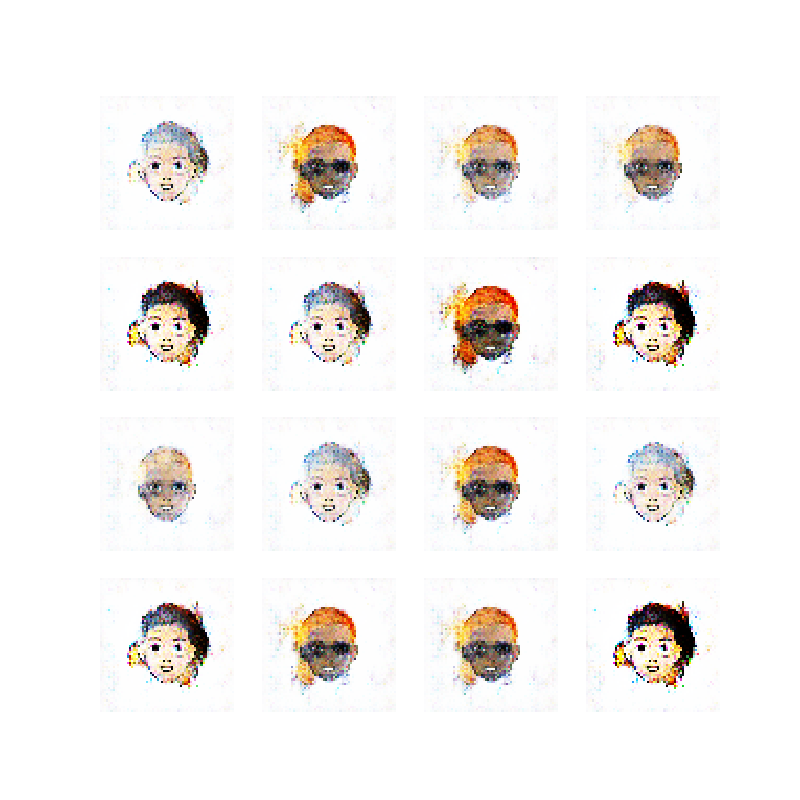
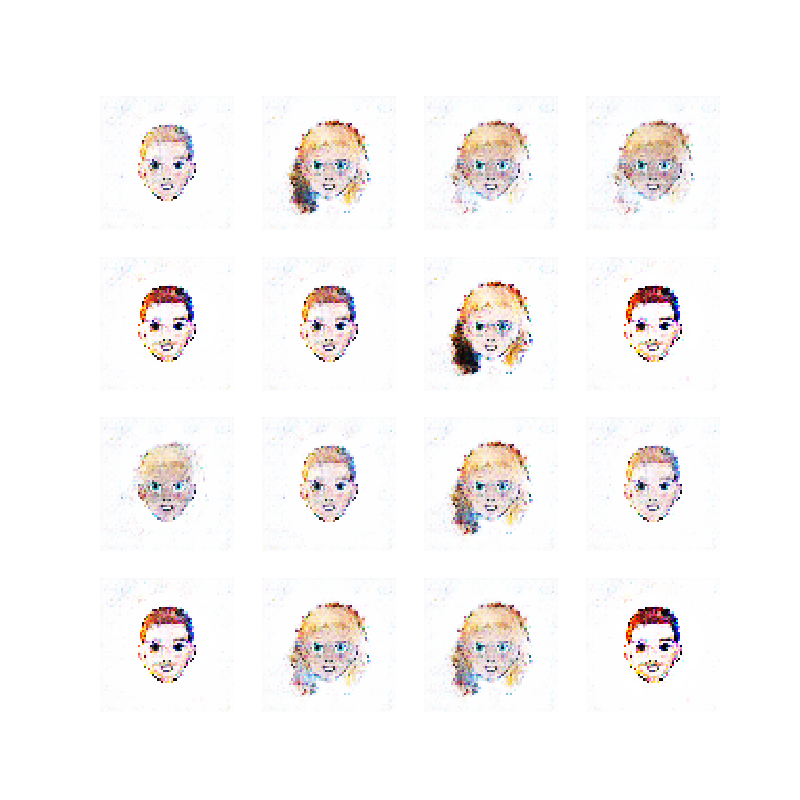
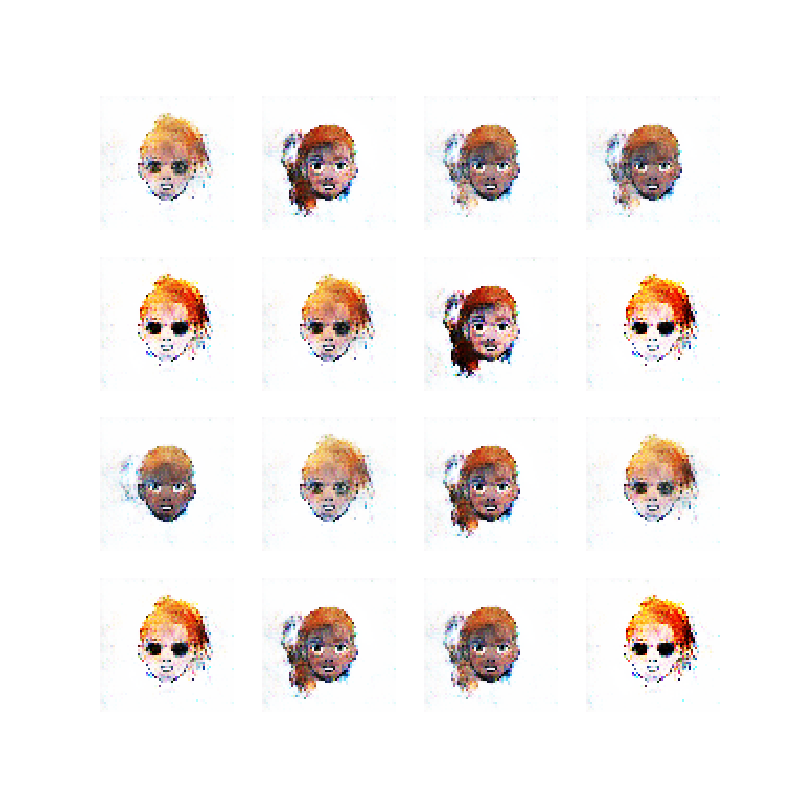
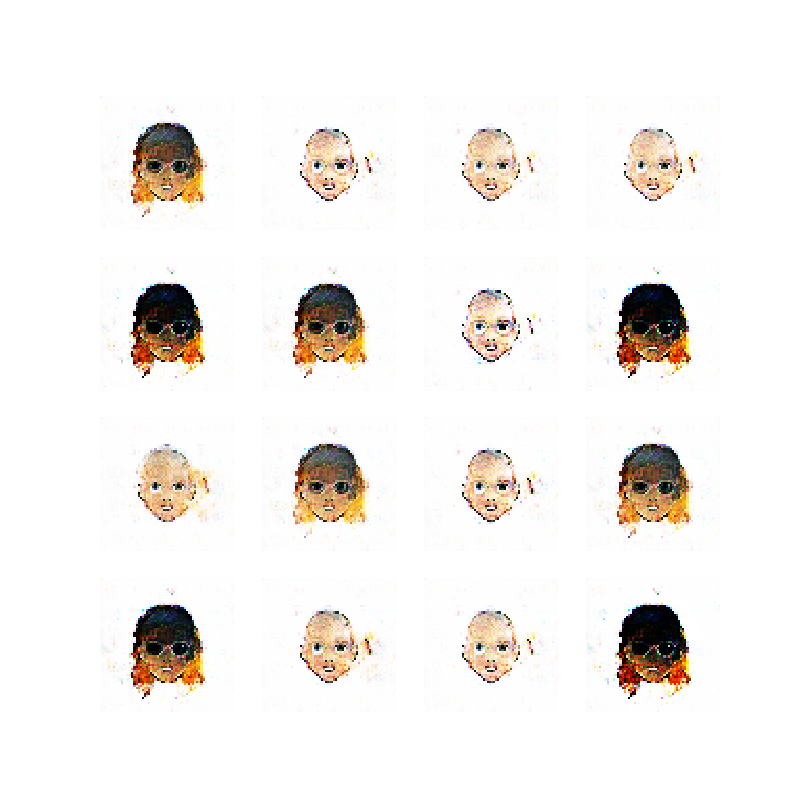
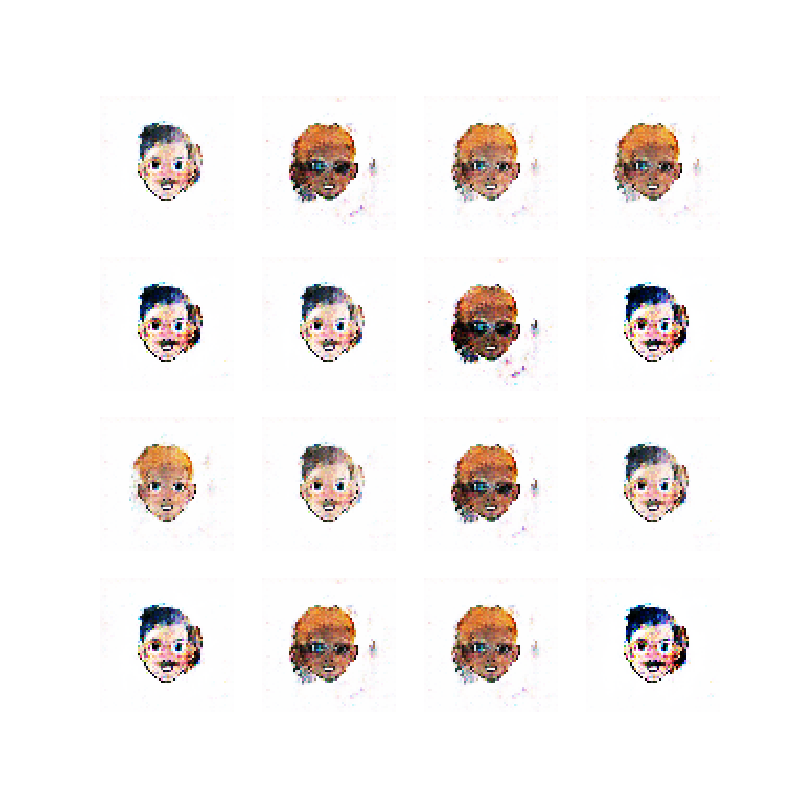
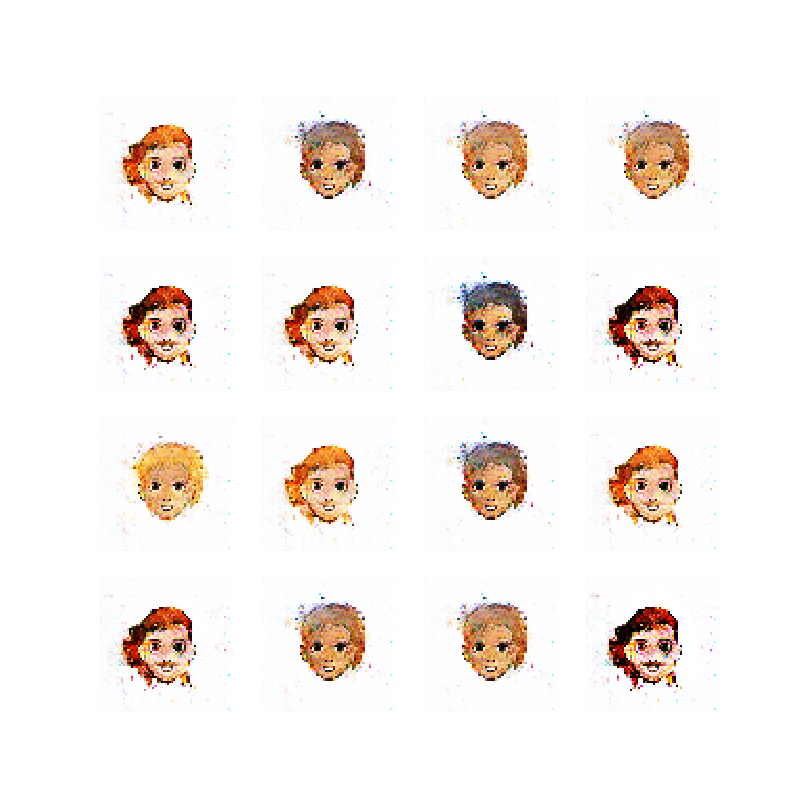
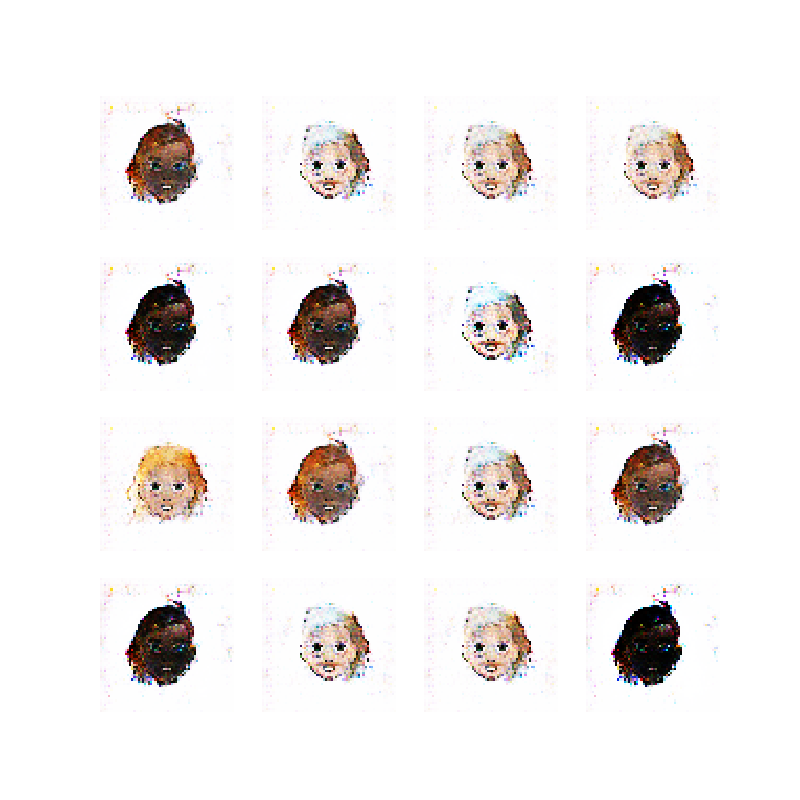
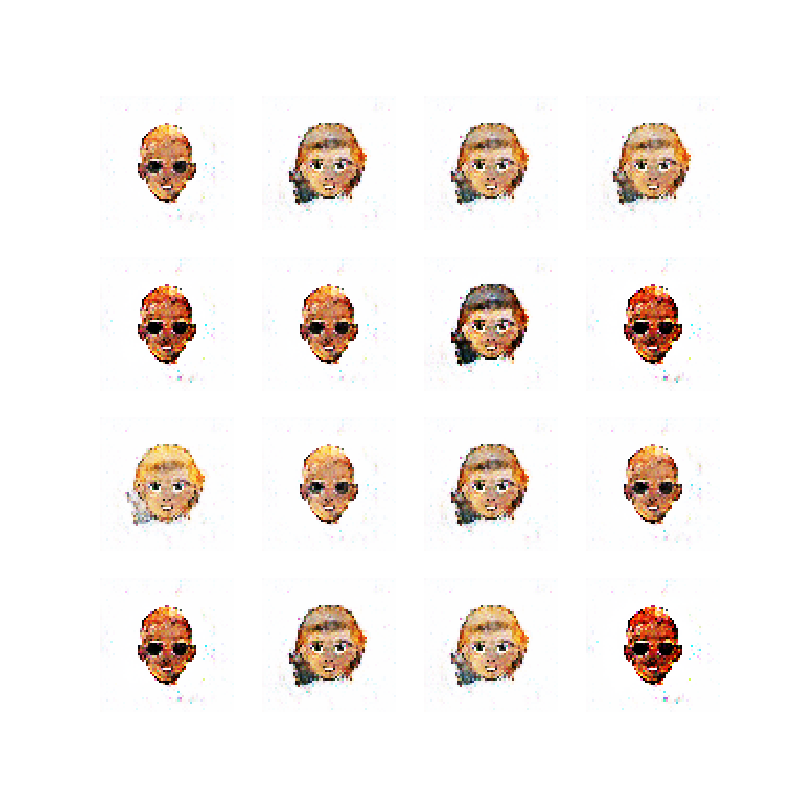
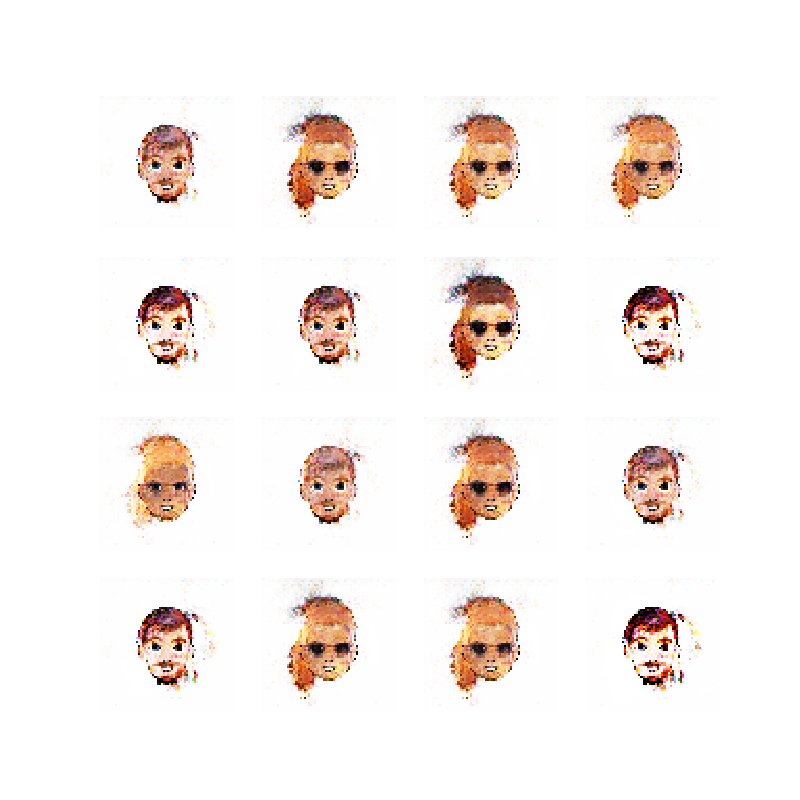
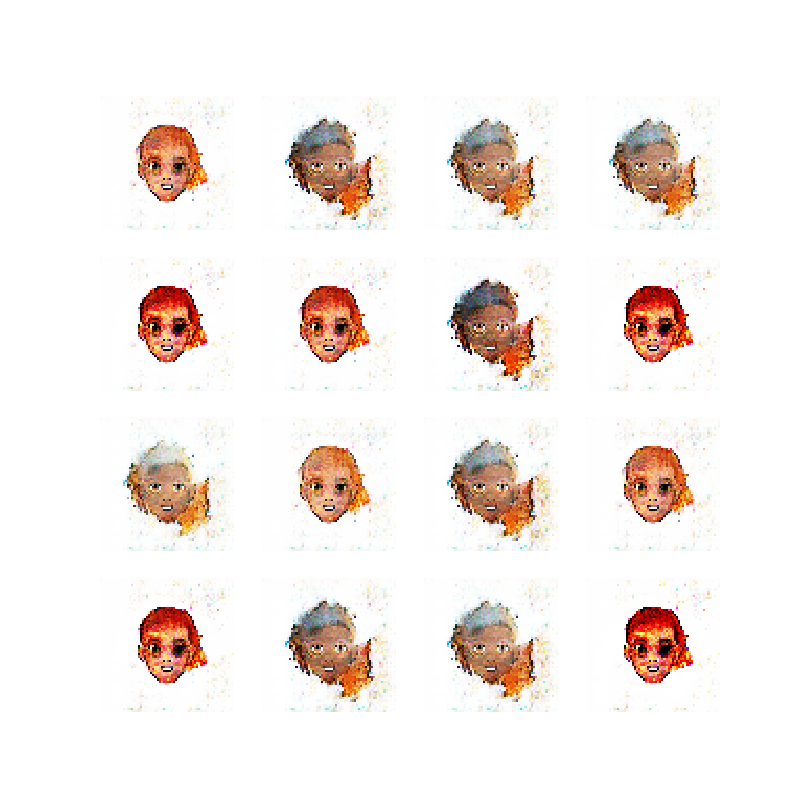
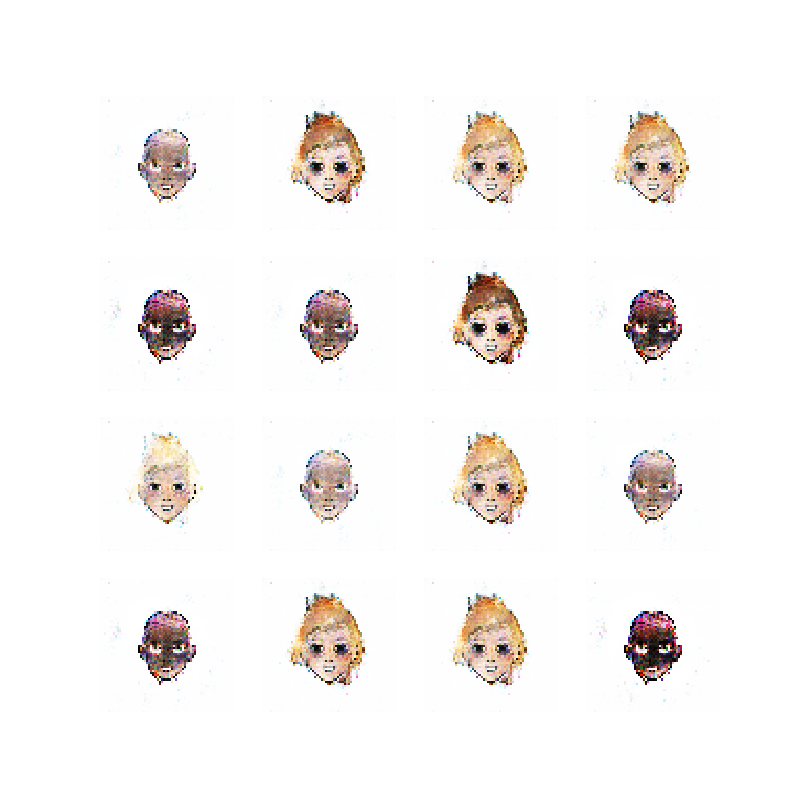
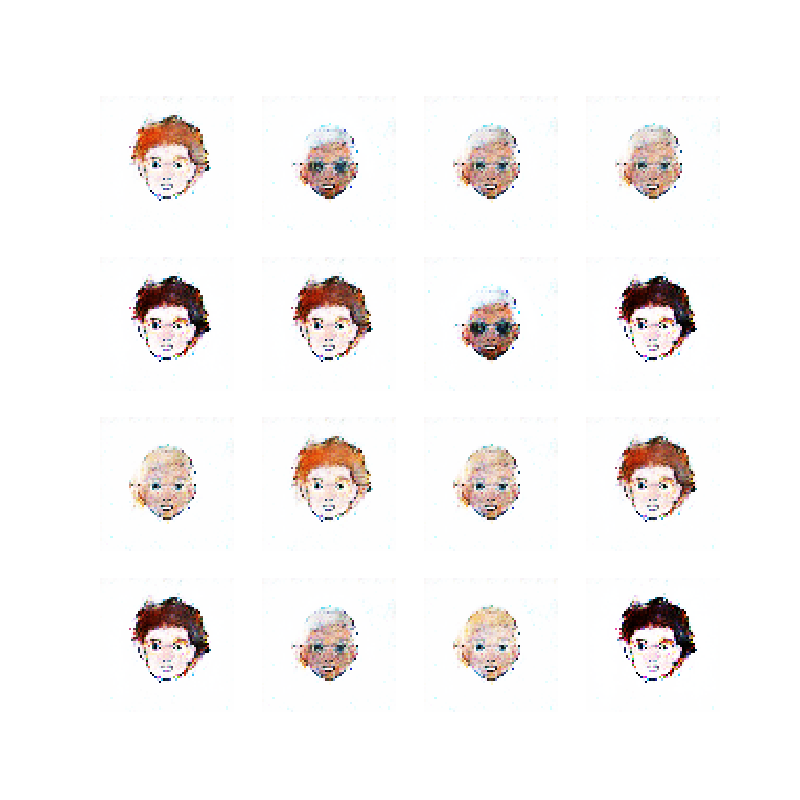
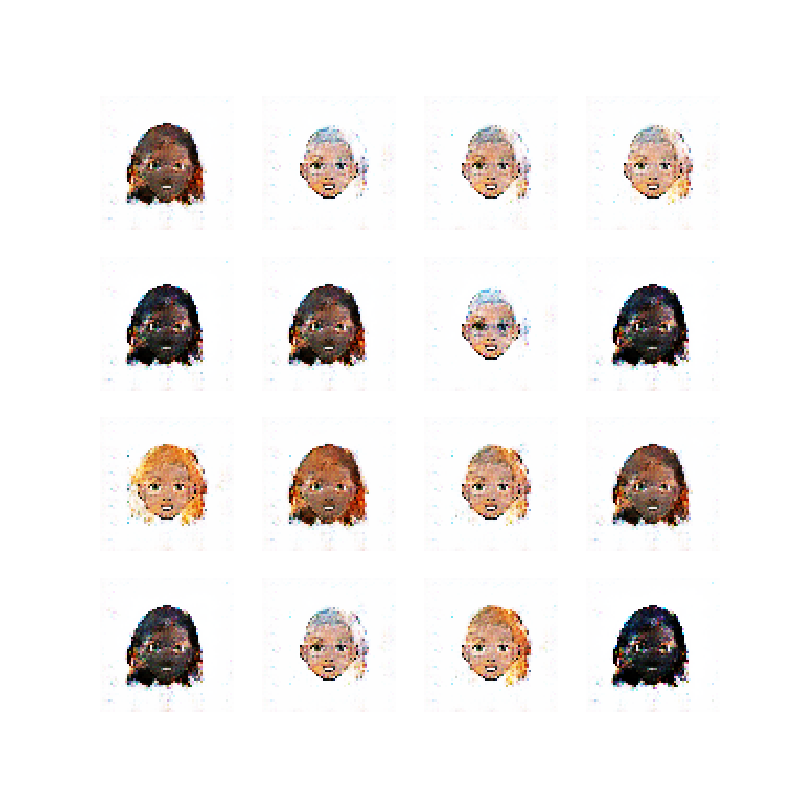
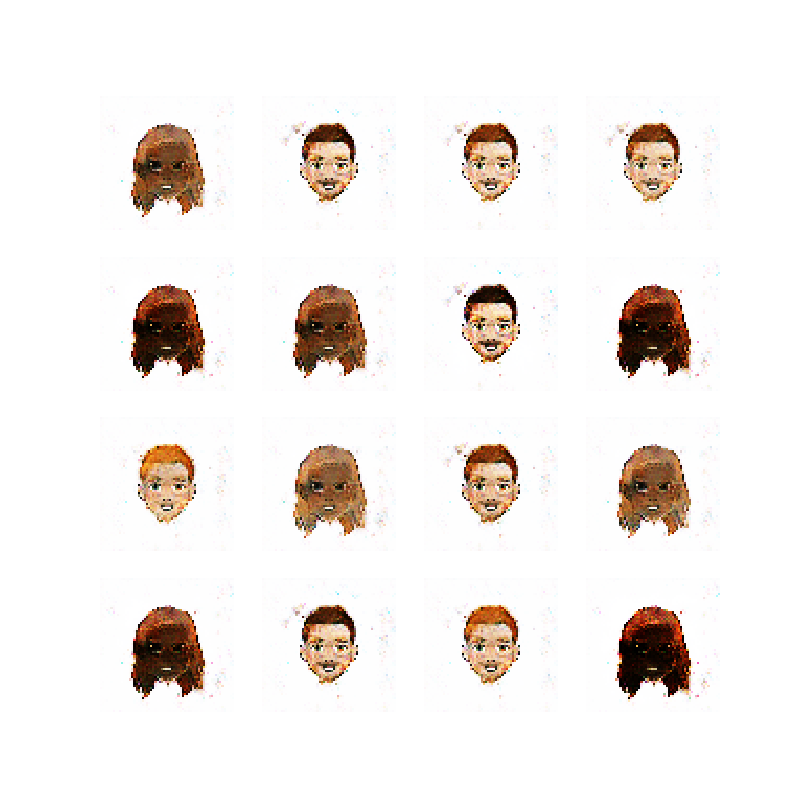
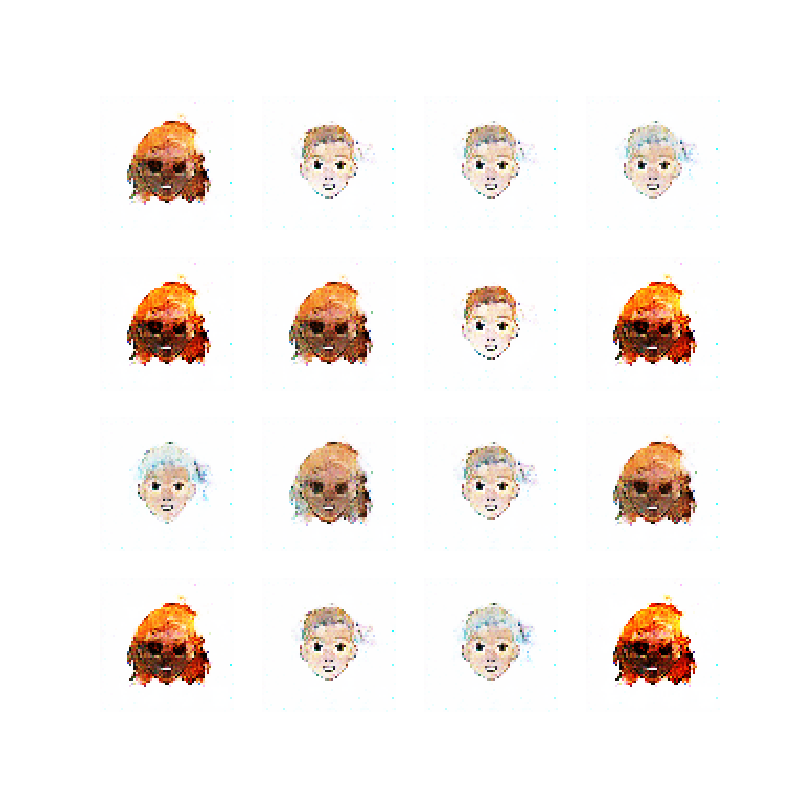
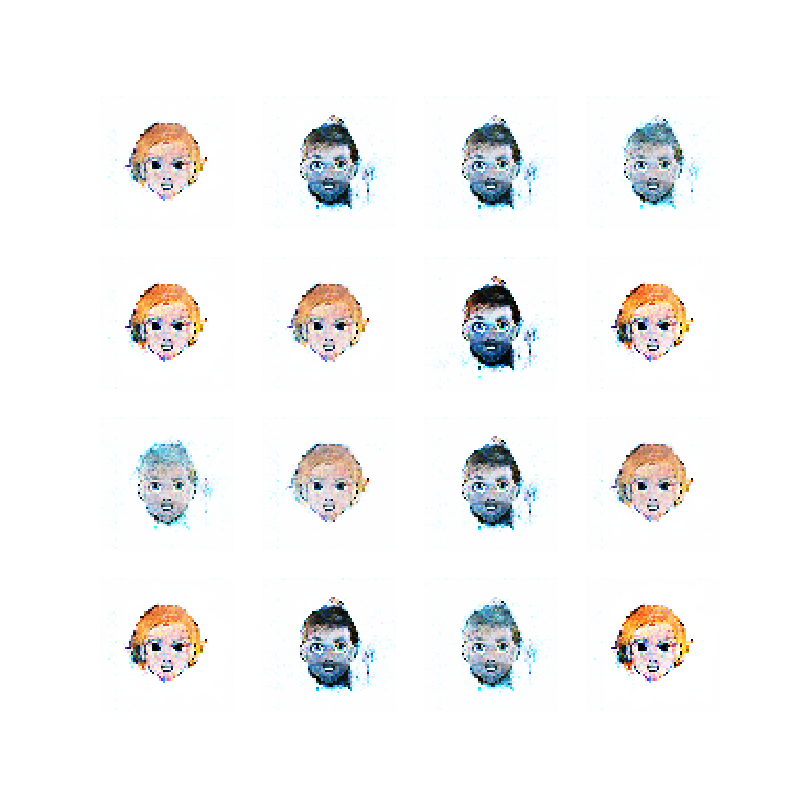
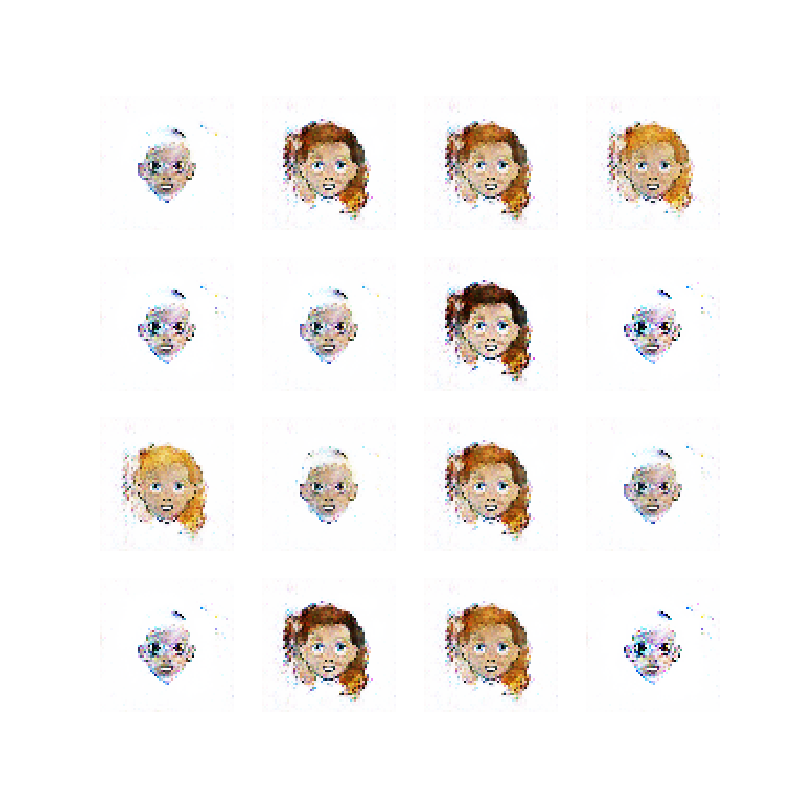
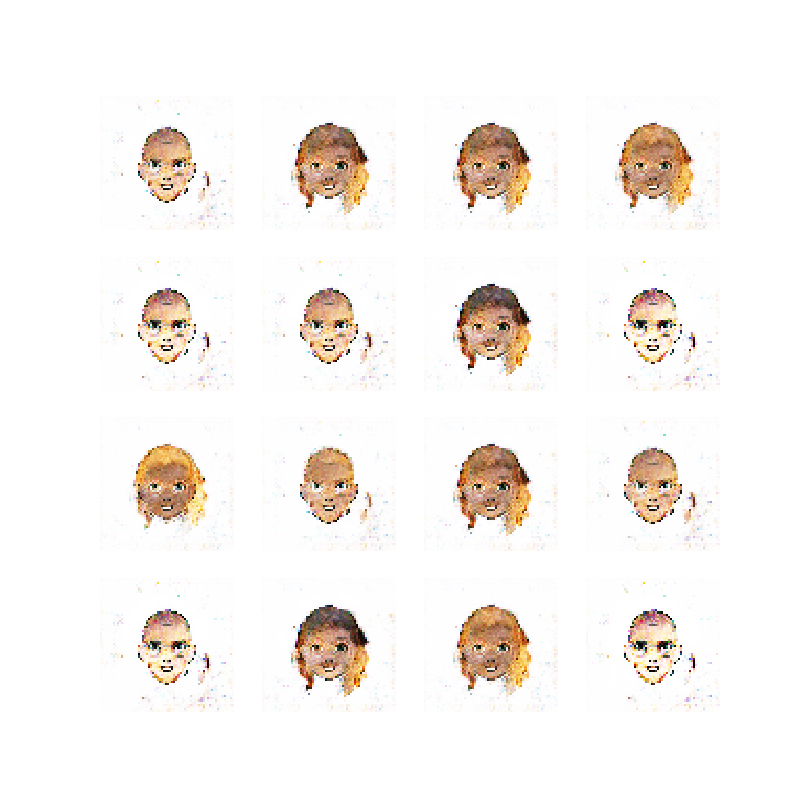
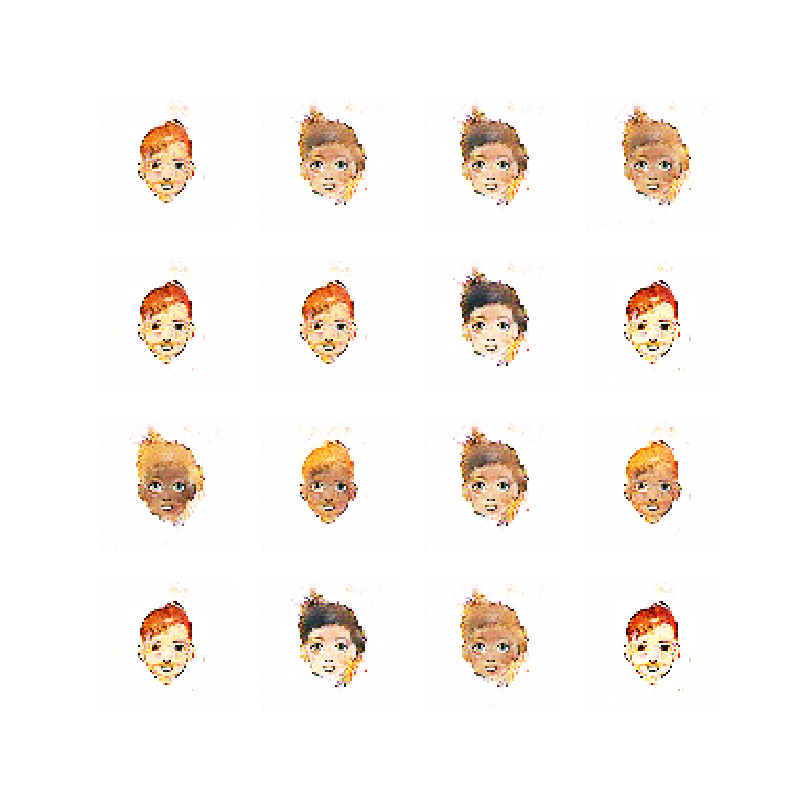
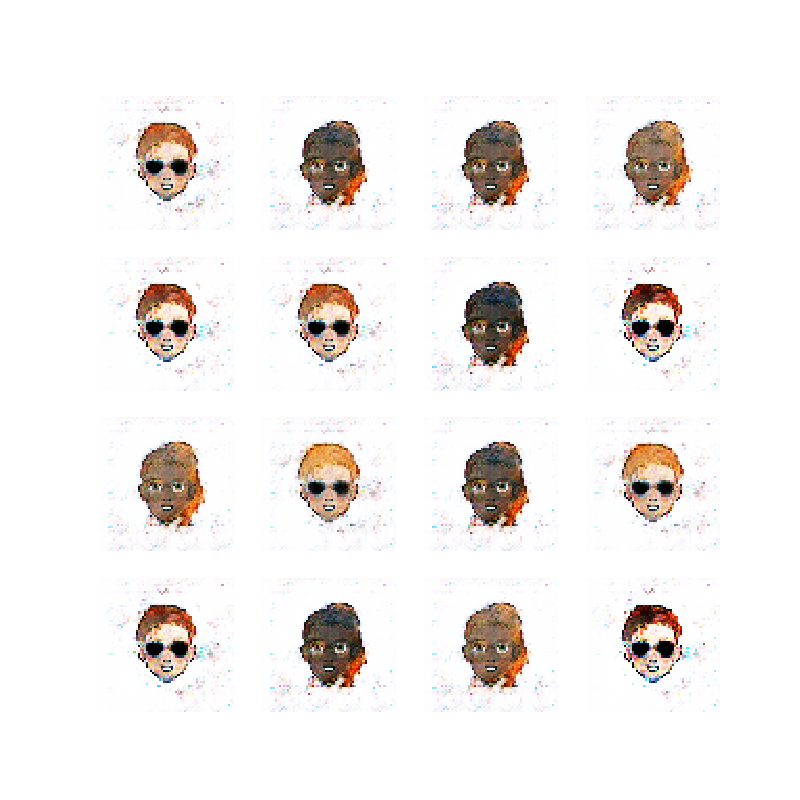
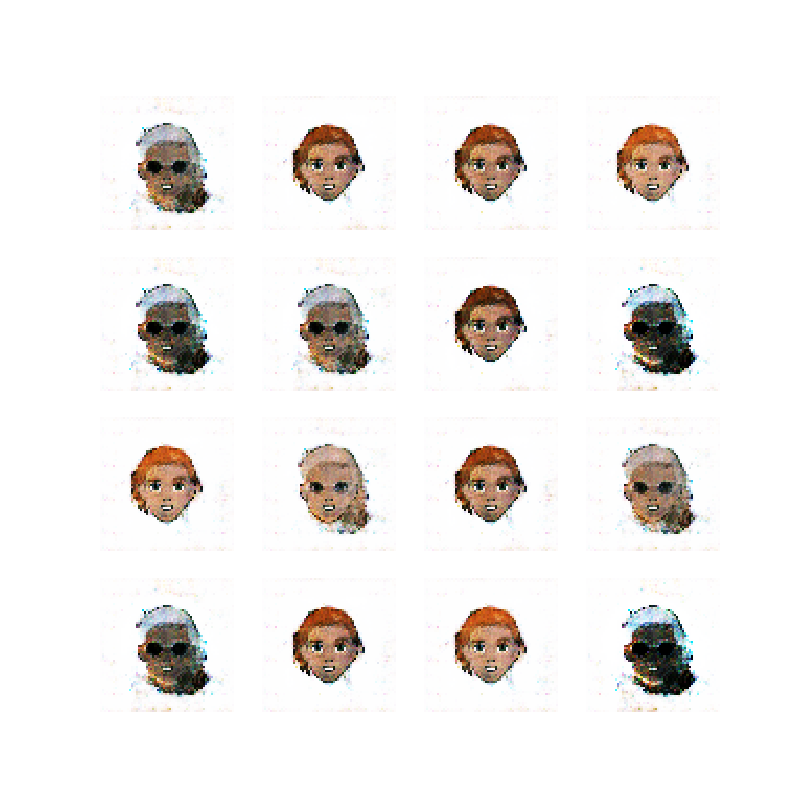
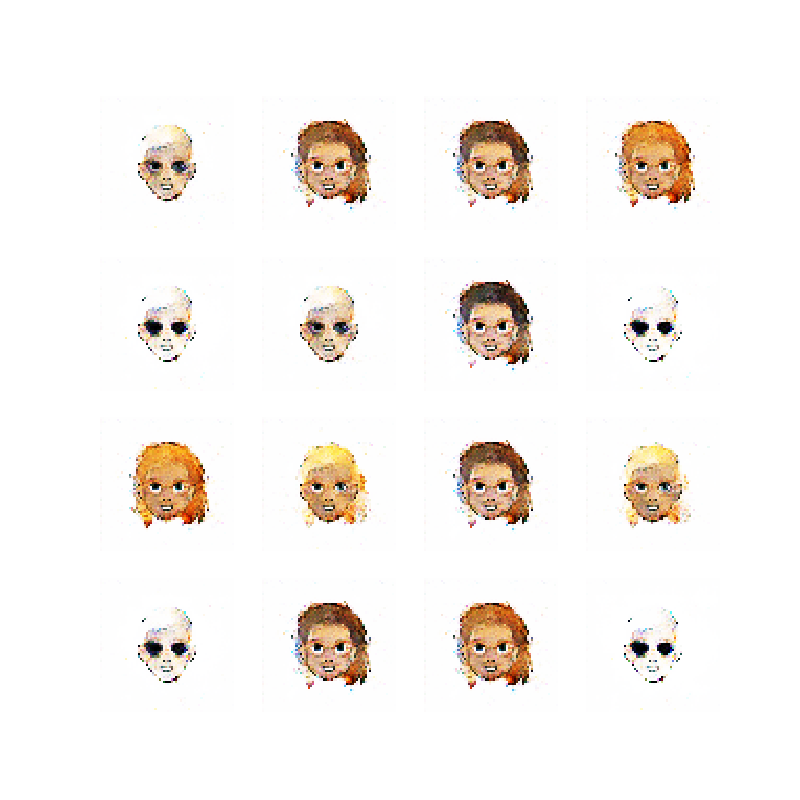
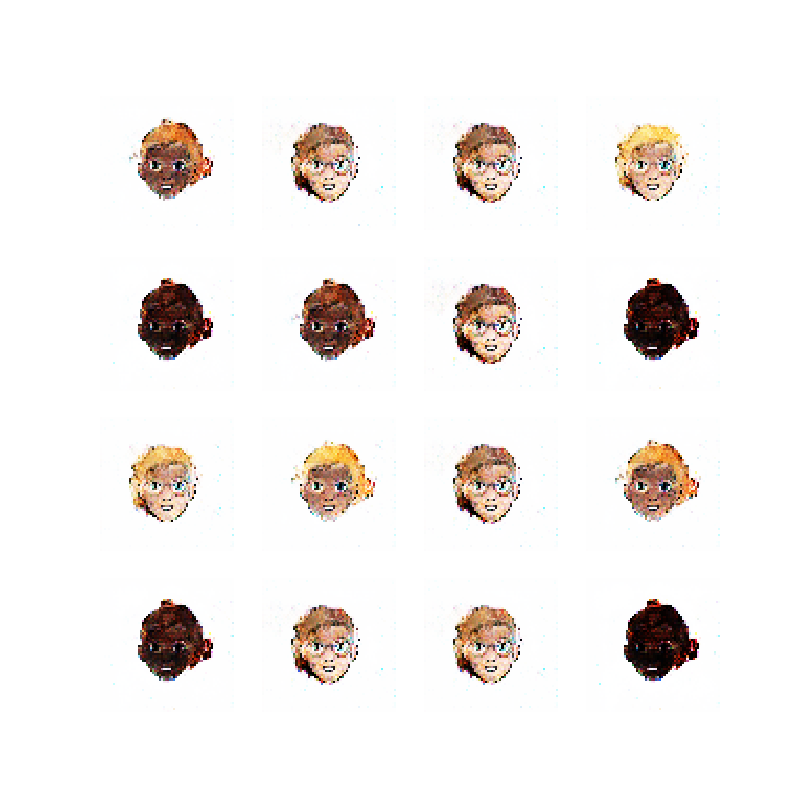
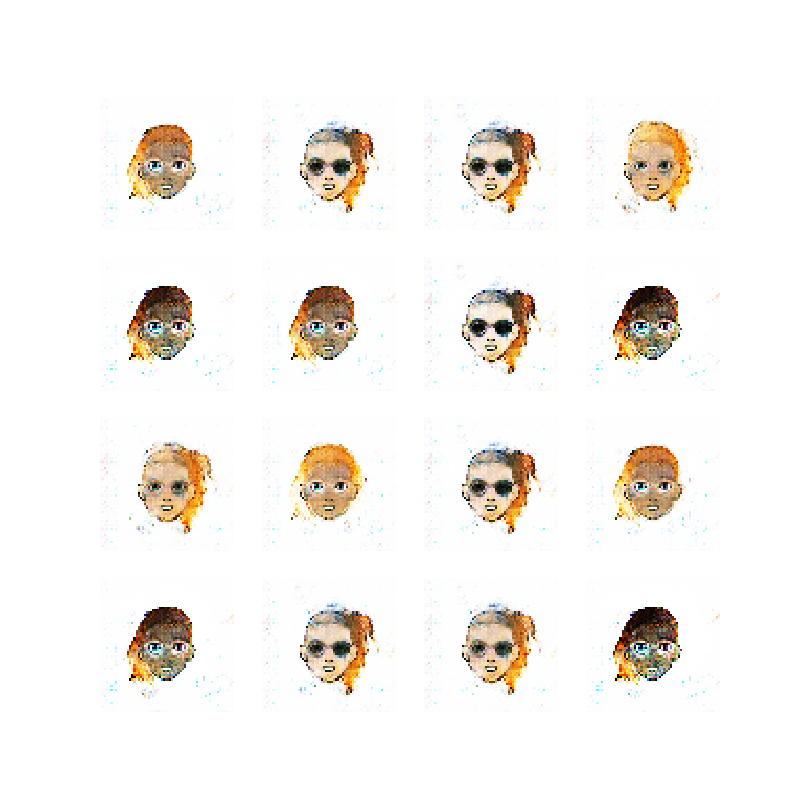
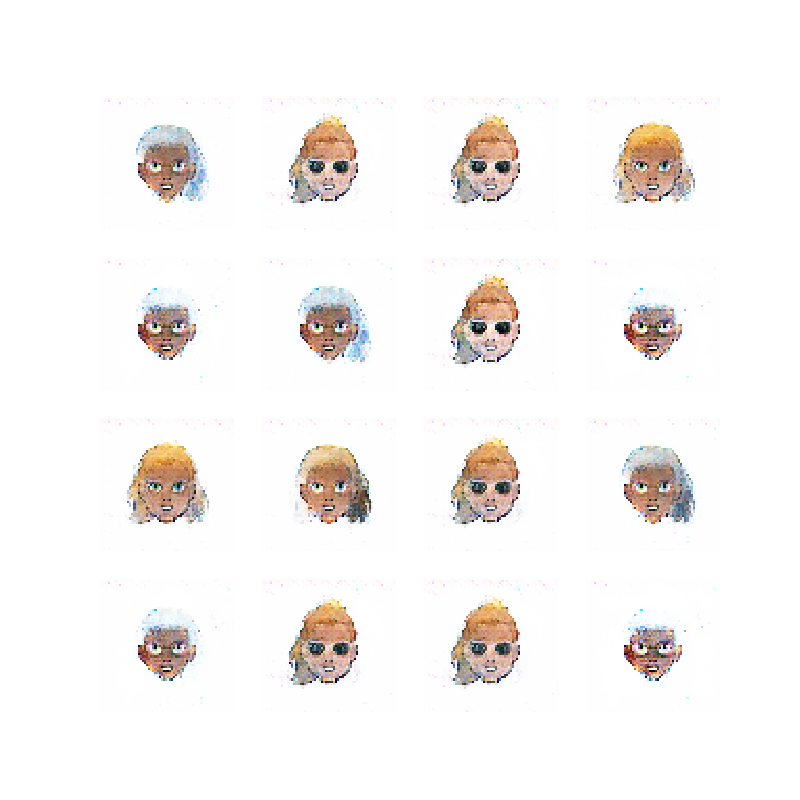
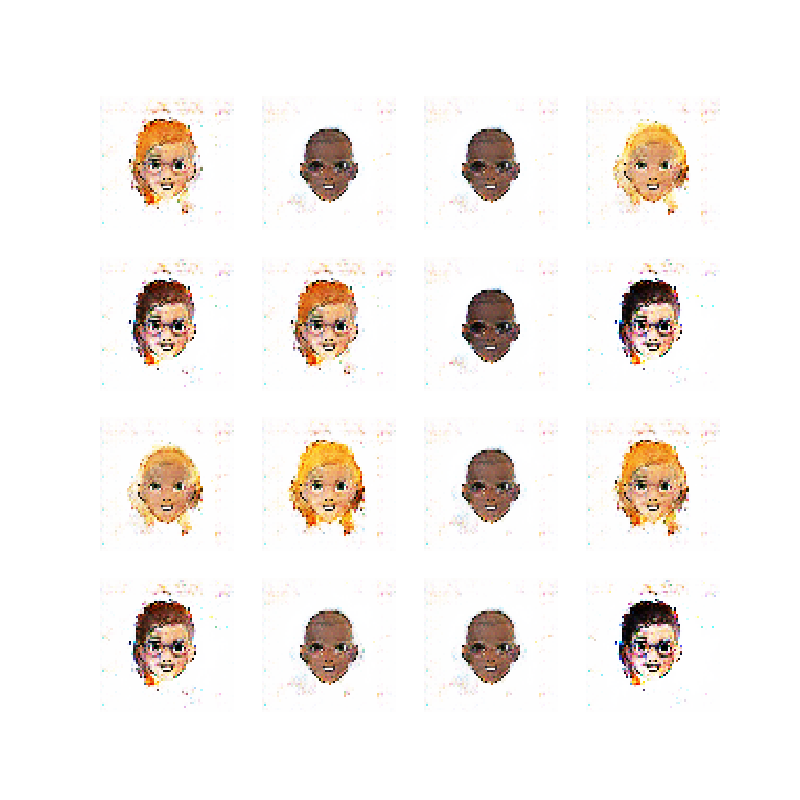
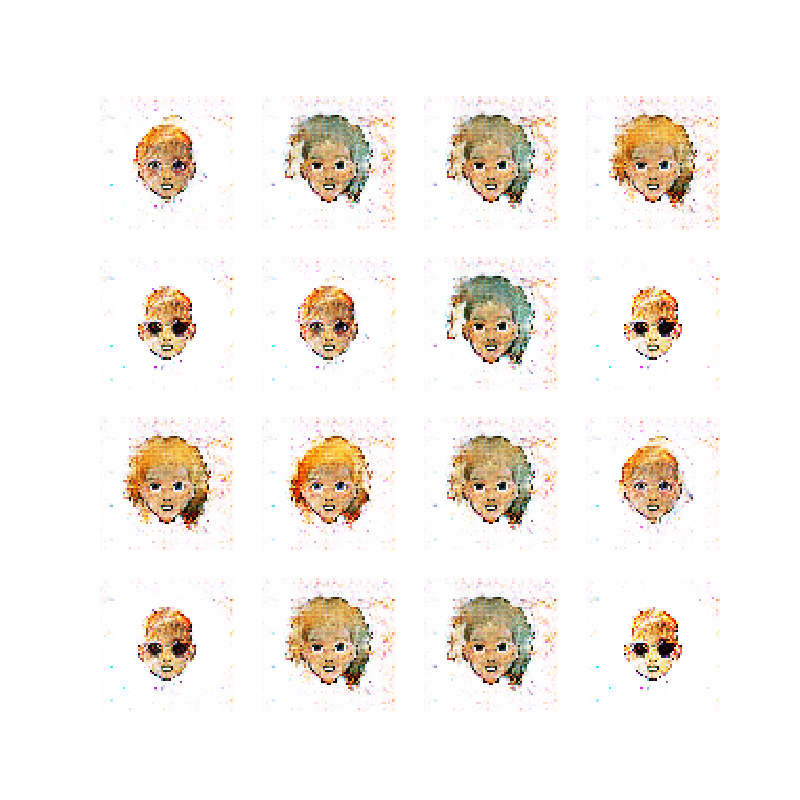
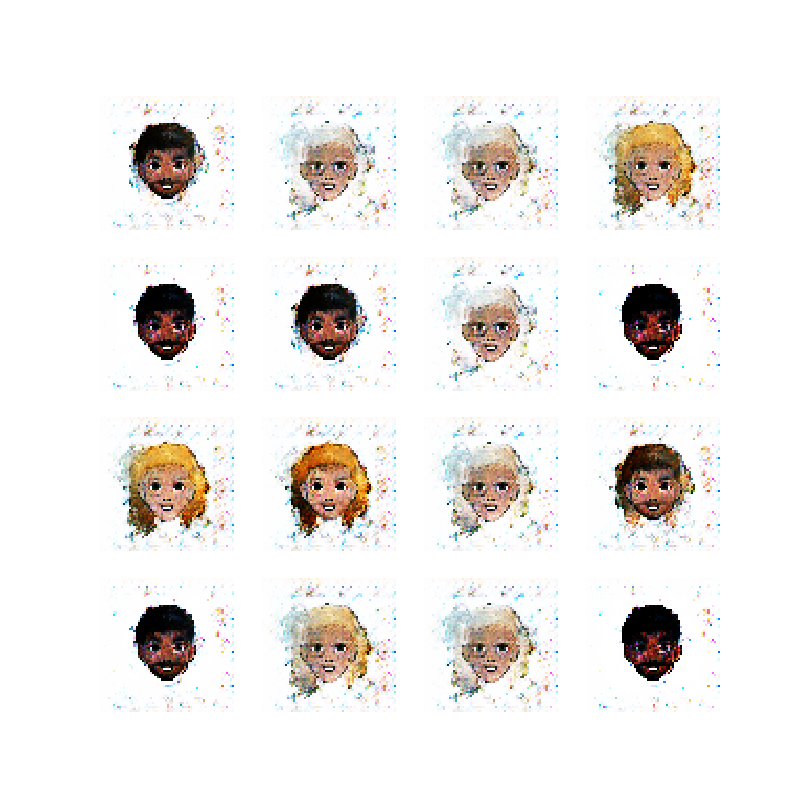
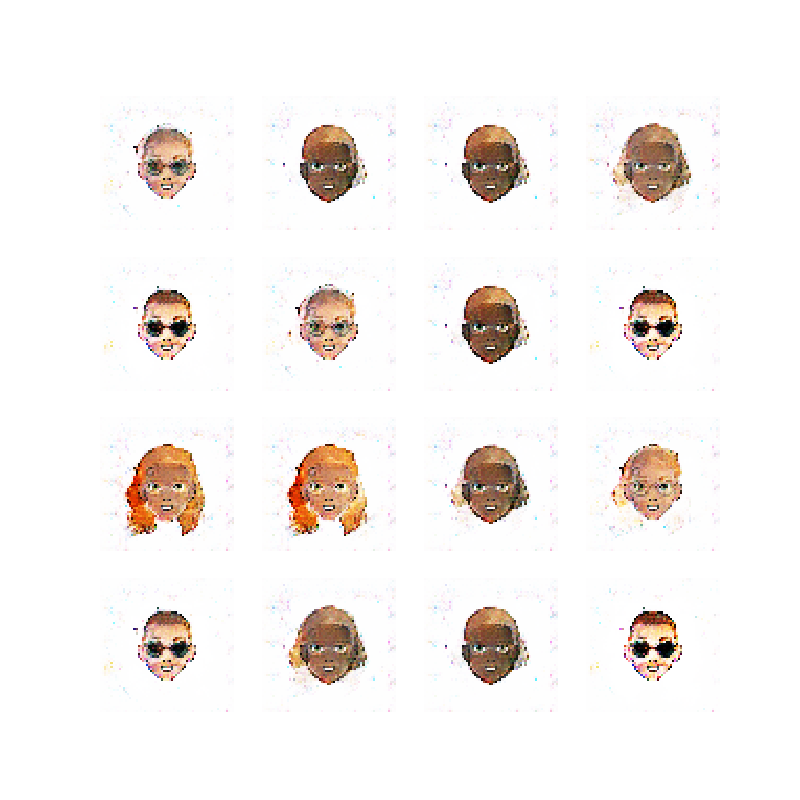
    You have already seen an example result of using this dataset at the top of this post. Here are the 50 epoch images from training the network on the small version of the dataset (10 thousand images). Notice that the network starts to create face-like images after just a few epochs, and then starts cycling the style of the face, probably due to the above mentioned mode collapse.:

    This is as far as I got currently. I would like to create a little web app for generating these images in the browser, but that will have to wait for another day. It would also be nice to be able to provide the facial features (hair color, eye color, etc.) as inputs to the network and see how that performs.
    To keep my motivation up though, I think I need to switch gears and try something else for now. This was fun! :-)

    References

    A search for “DCGAN Tensorflow” yields many useful results, a lot of which I have skimmed as well, but the above are the primary resources.